 NexMask-官方博客
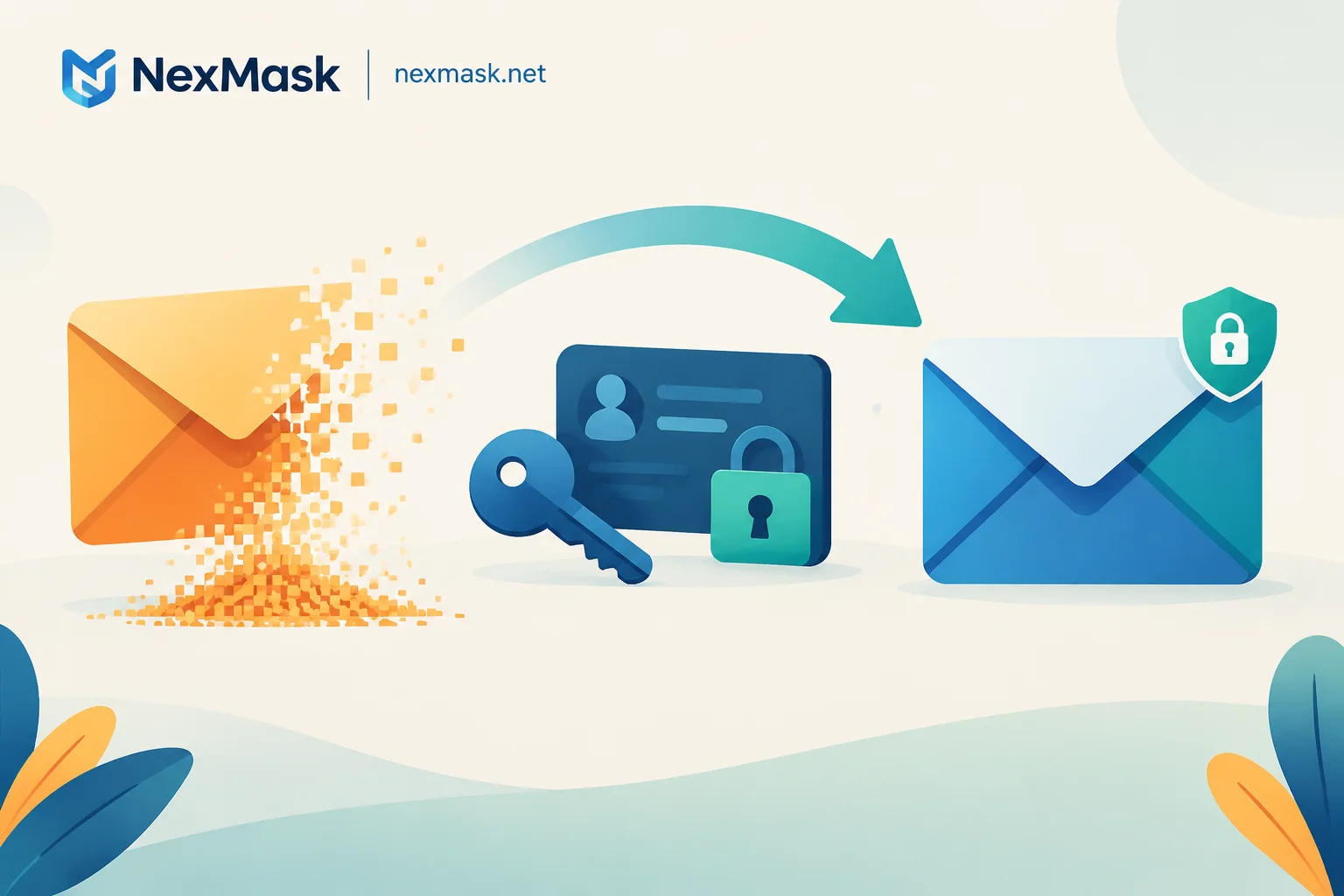
Temporary Email Expired? How to Salvage Your Account Based on Whether You're Still Logged In
When a temporary email expires, most services delete all emails without recovery; this article explains how to salvage your account by rebinding the email if still logged in or contacting support if logged out, and suggests using long-term aliases for important accounts.
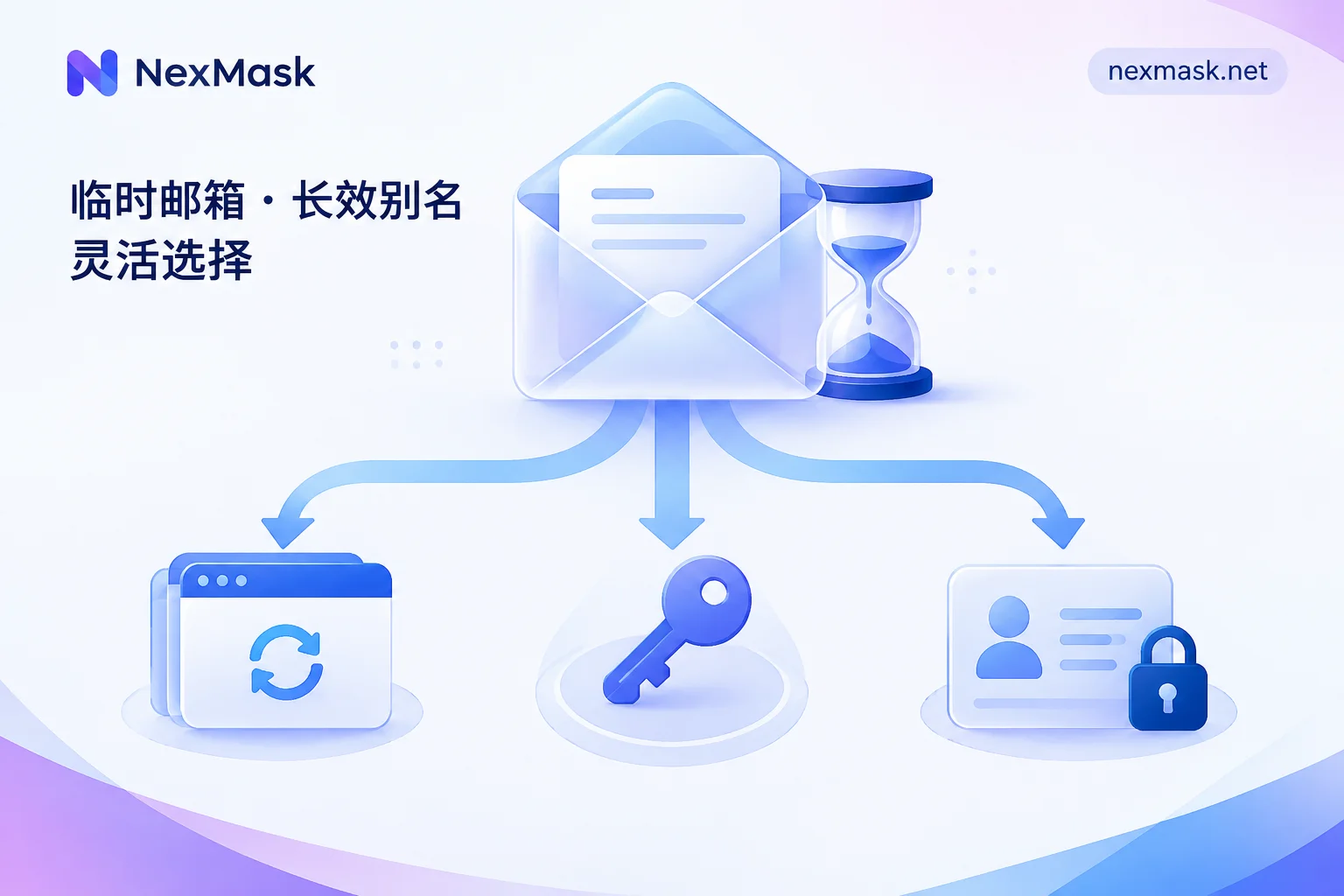
How to Recover a Temporary Email Address: Check If It Has Expired First, Then Decide What Can Be Saved
Whether a temporary email address can be recovered depends on whether it is still within its validity period and whether you have the credentials to reopen it. This article explains three scenarios: how to reopen it if it hasn't expired, what services supporting access keys or custom prefixes can restore, and why nothing can be recovered after destruction. It also covers how to rebind or appeal accounts registered with temporary emails, and how to choose between temporary emails and long-term aliases in the future.
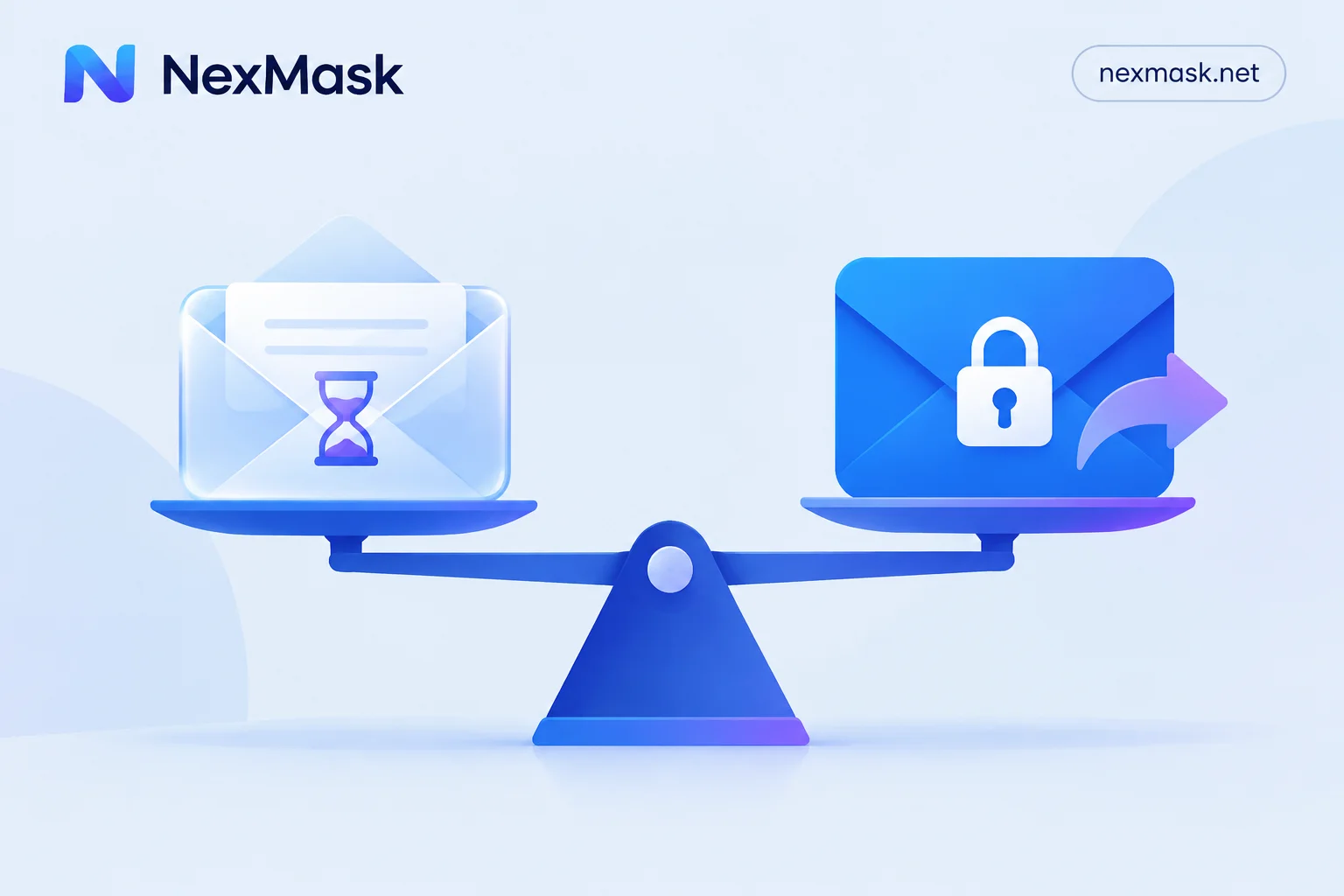
Is a Temporary Email Safe? Four Risks, Use Cases, and How to Isolate Your Real Email for Important Accounts
Temporary email safety depends on how you use it. For one-time verification, downloads, and form testing, it can block spam and data leaks. For accounts needing long-term login or involving assets, you may face inbox exposure, account loss after expiry, tracking pixels, and platform rejection. This article uses three questions to help you decide which email to use and explains how to isolate your real email with long-term aliases.
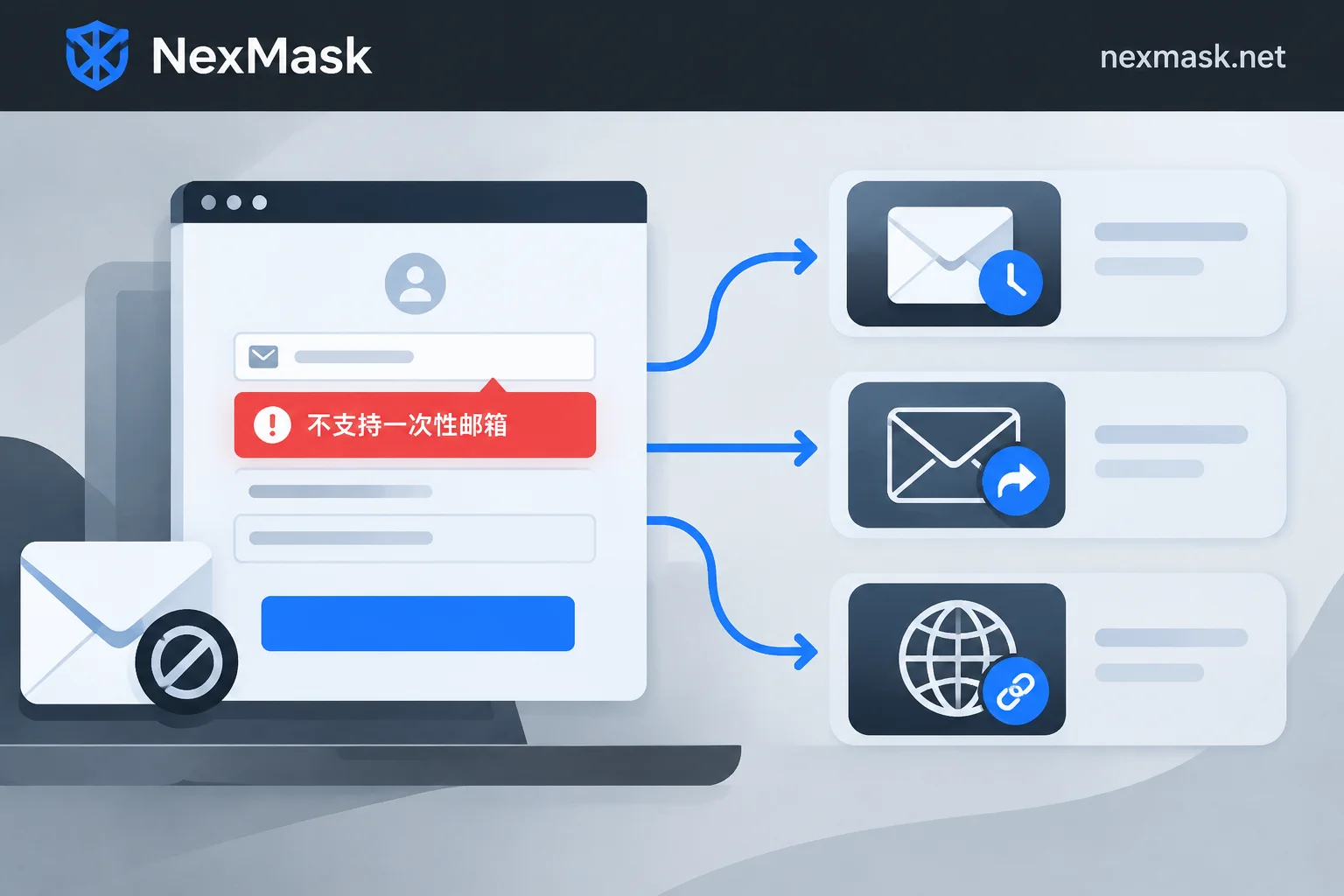
Temporary Email Rejected? Three Paths by Use Case and Why Platforms Block You
When a signup says disposable email isn't supported, don't keep refreshing domains—decide based on whether the account needs long-term maintenance: switch domains for one-off use, use a long-lived alias for password recovery, or forward via your own domain for strict platforms. This article explains blacklists, MX fingerprints, and real-time verification APIs, plus the limits of each approach.
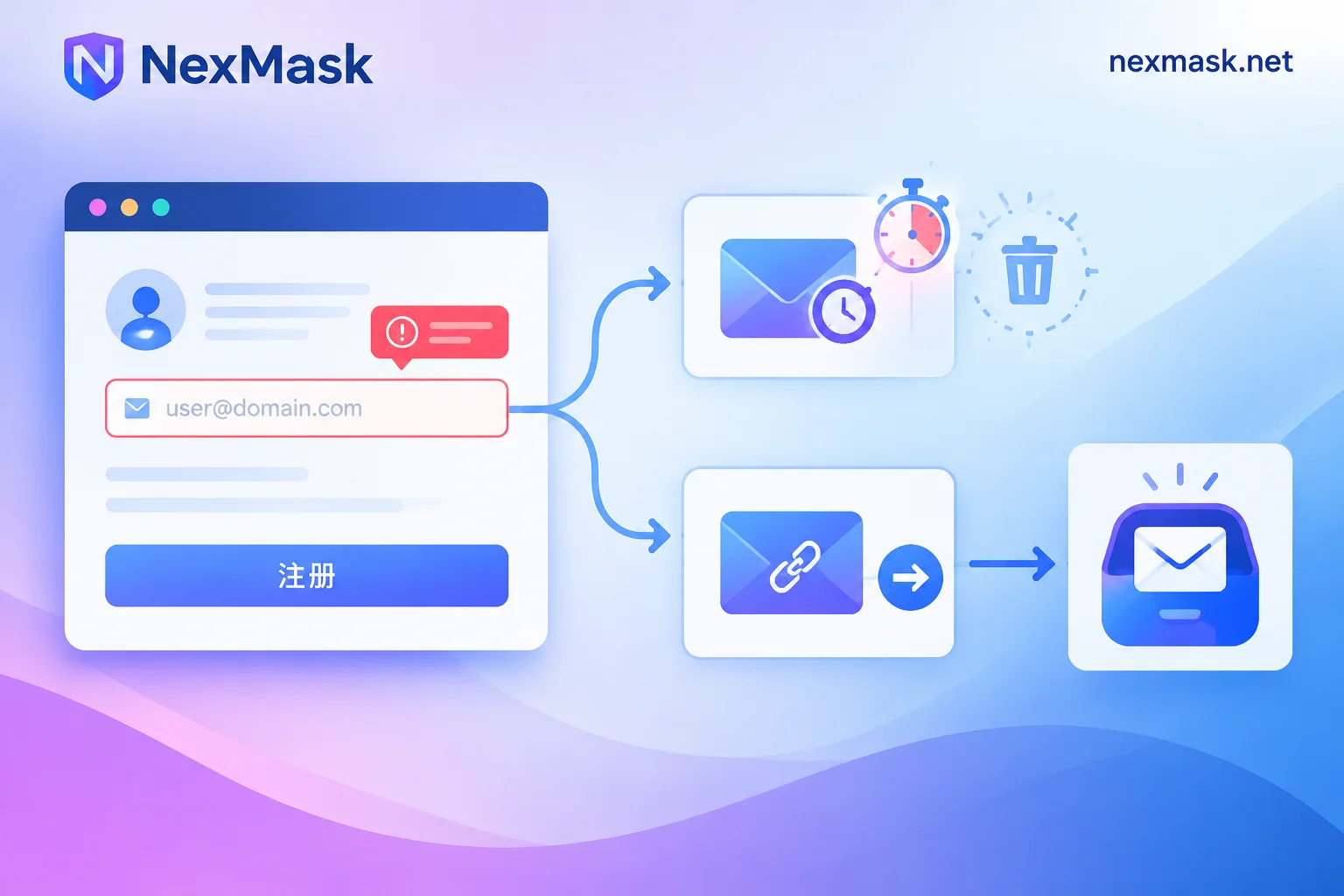
Temporary Email Verification Code Not Received? Troubleshoot by Failure Point, Then Decide If You Need a Long-Lived Alias
Verification codes not arriving can fail in three places: rejected at submission, shown as sent but inbox empty, or received but link invalid. This article provides a troubleshooting sequence, explains how platforms detect disposable emails, and clarifies the boundary between temporary emails and long-lived aliases to avoid locking accounts that require long-term login into a self-destructing inbox.


