 NexMask-官方博客
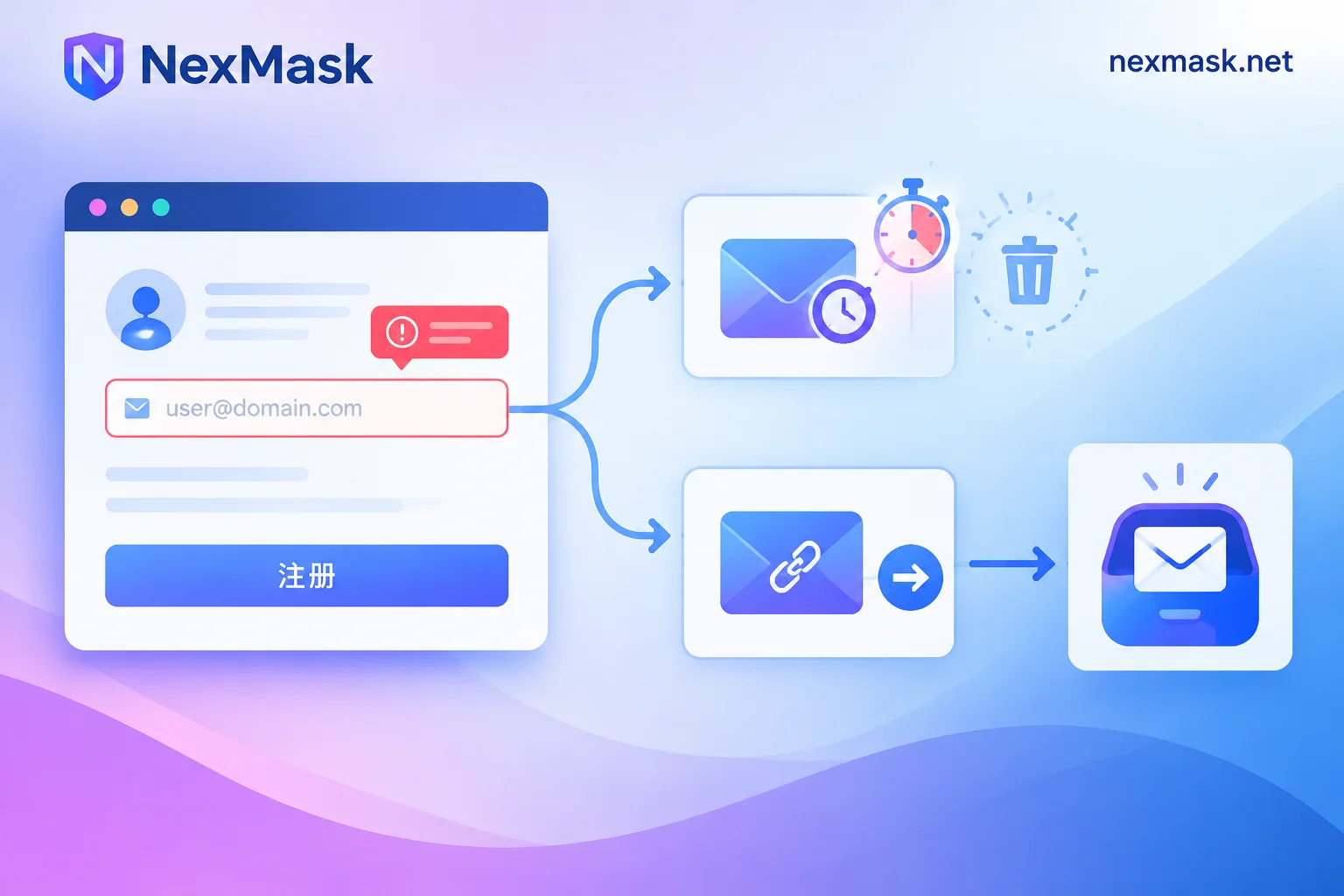
Temporary Email Verification Code Not Received? Troubleshoot by Failure Point, Then Decide If You Need a Long-Lived Alias
Verification codes not arriving can fail in three places: rejected at submission, shown as sent but inbox empty, or received but link invalid. This article provides a troubleshooting sequence, explains how platforms detect disposable emails, and clarifies the boundary between temporary emails and long-lived aliases to avoid locking accounts that require long-term login into a self-destructing inbox.
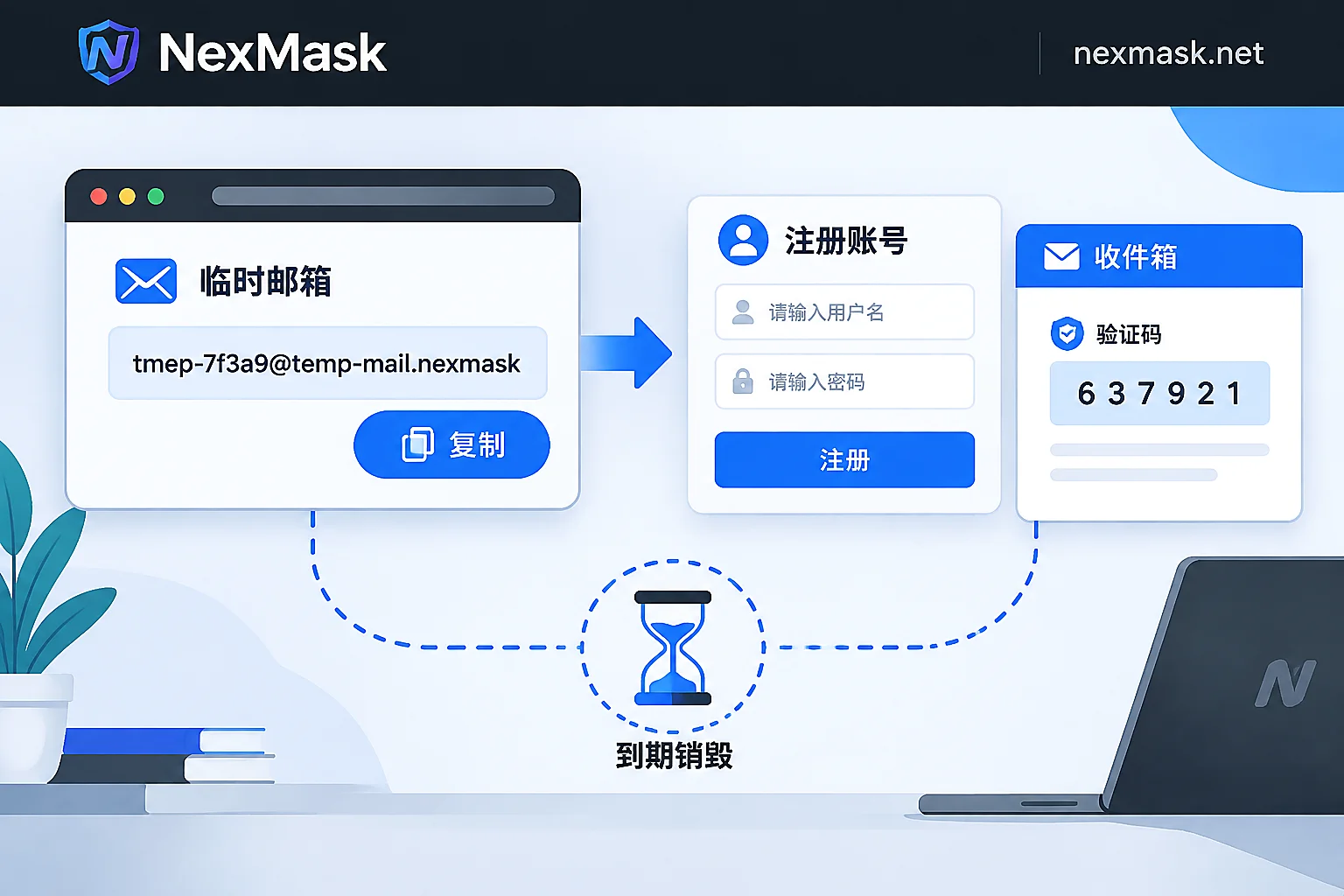
How to Use a Temporary Email: Get Verification Codes in Three Steps and When to Switch to a Long-Lived Alias
The standard way to use a temporary email is just three steps: get an address, fill in the form, and refresh to receive the code; no signup, no cancellation, and the whole inbox is destroyed at expiry. This article explains which one-off scenarios it suits, which accounts should never use it, how to diagnose and work around rejected signups or missing verification codes, and when to switch to a long-lived alias or your own domain if you need to receive mail long-term, reply, or manage many addresses.
Online Temporary Email: Suitable Use Cases, Why Verification Codes May Not Arrive, and How to Choose Between Temporary and Permanent Aliases
Online temporary email services offer immediate, disposable addresses for one-time verification, trial signups, and development testing; however, platform blacklists or greylist delays may prevent verification codes from arriving, and they are not suitable for important accounts. This article clarifies the appropriate use cases of temporary email, explains two common interception reasons, and provides guidance on choosing between temporary email and permanent aliases.


