 NexMask-官方博客

How to Truly Hide Your Real Email? Lessons from Built-in Privacy Flaws and a Cross-Platform Identity Isolation Approach
In 2026, Apple's Hide My Email feature was found to have a vulnerability where spam rejection logs could reveal the real Apple ID email behind a hidden address, highlighting the risks of tying all virtual identities to a single system account. This article breaks down how to escape single-ecosystem limits and build a true no-backdoor email isolation system with NexMask, covering three scenarios: one-time verification, big-tech domain whitelisting, and long-term independent sending/receiving.
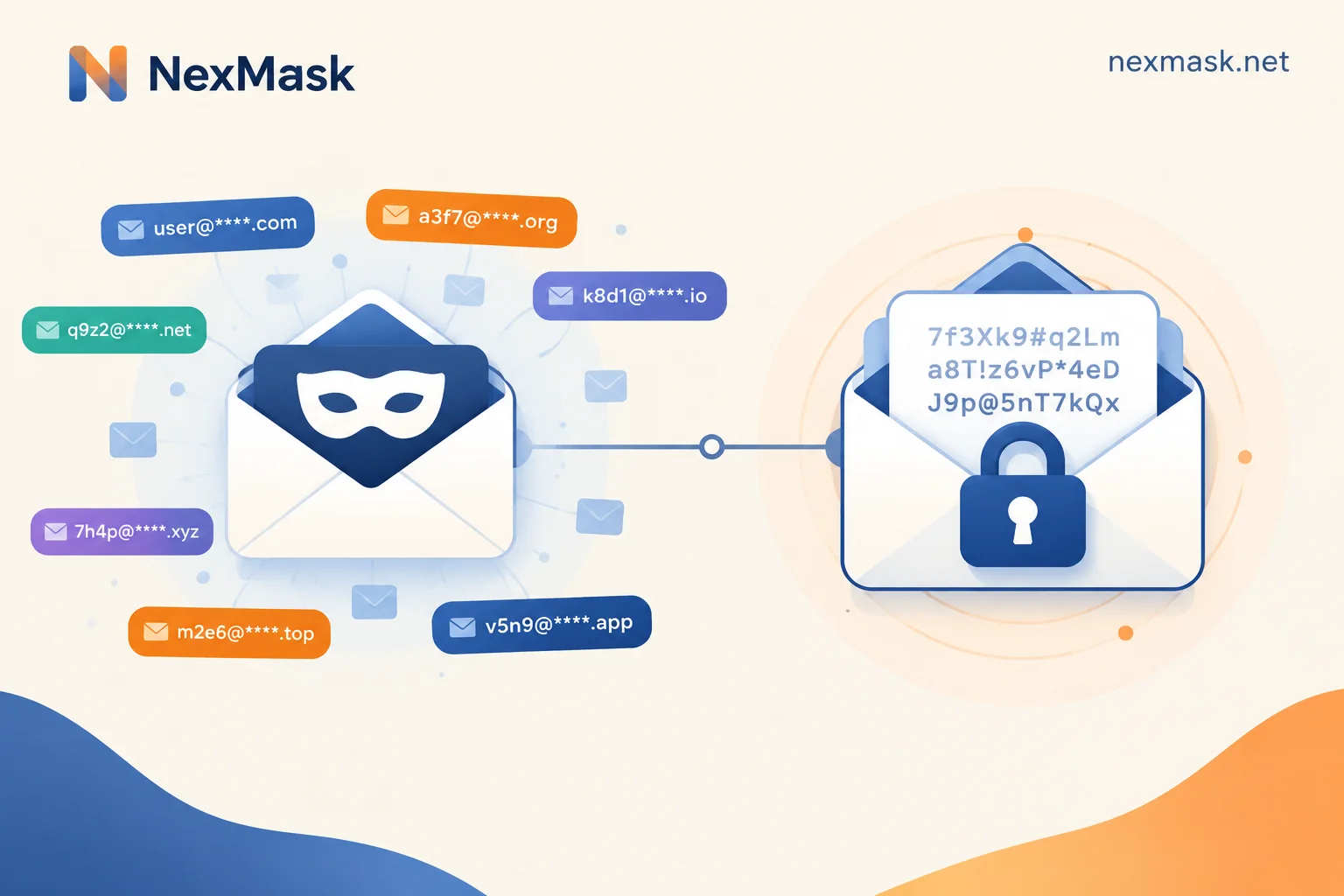
Anonymous Email vs. Encrypted Email: One Hides Your Identity, the Other Hides Your Content — Choose and Combine by Scenario
Anonymous email isolates your identity and real primary inbox, while encrypted email protects message bodies and attachments; they cannot replace each other. This article explains which risks each can and cannot block, which to use for everyday sign-ups, testing, and sensitive communications, and how to combine both via "alias forwarding to an encrypted mailbox."
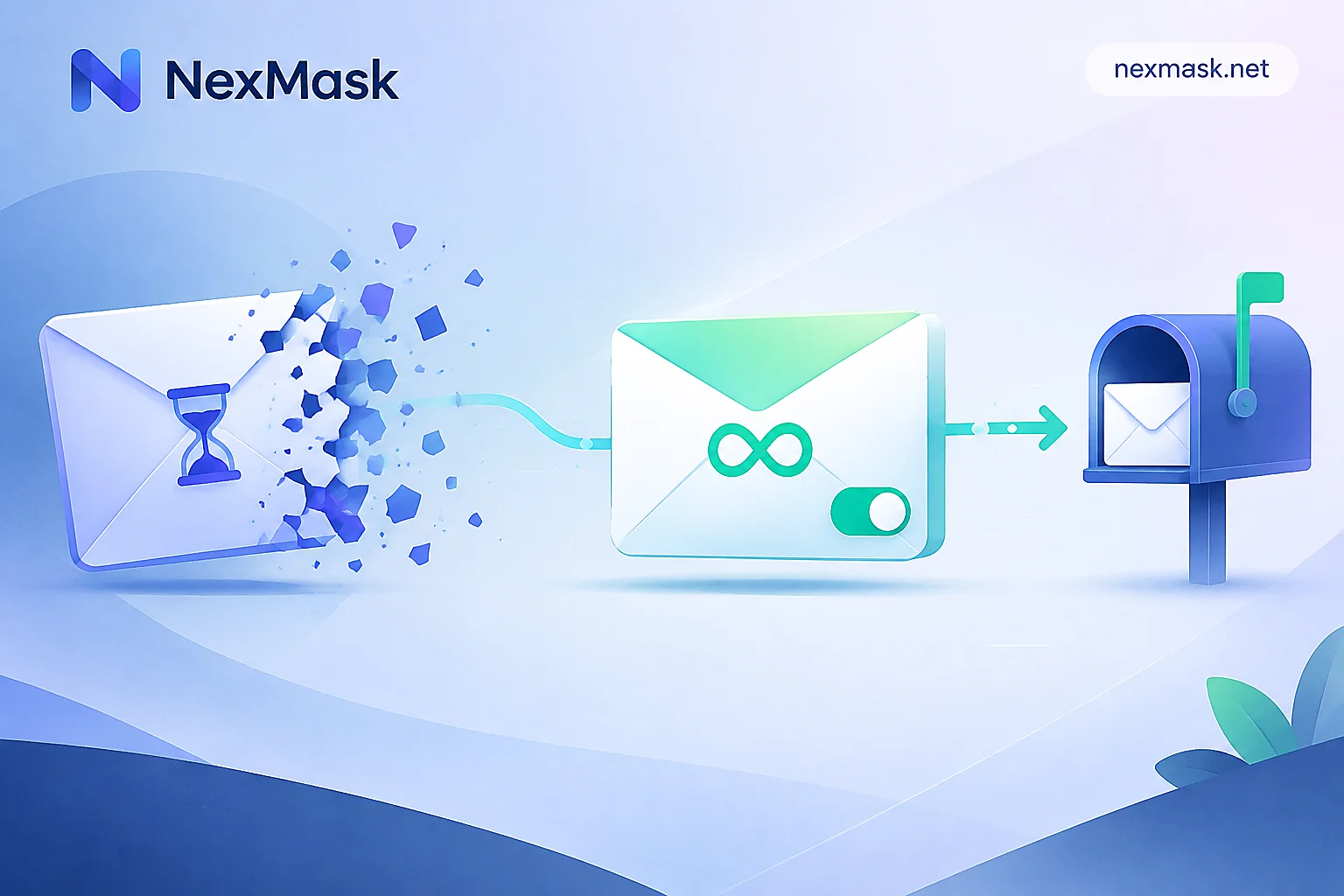
Anonymous Email vs. Temporary Email: Choose Based on Whether You'll Need to Receive Emails from That Site Later
Temporary email is a one-time inbox that self-destructs, while a long-term anonymous email alias forwards mail to your regular inbox and can reply, so choose based on whether you'll need the account in the future.
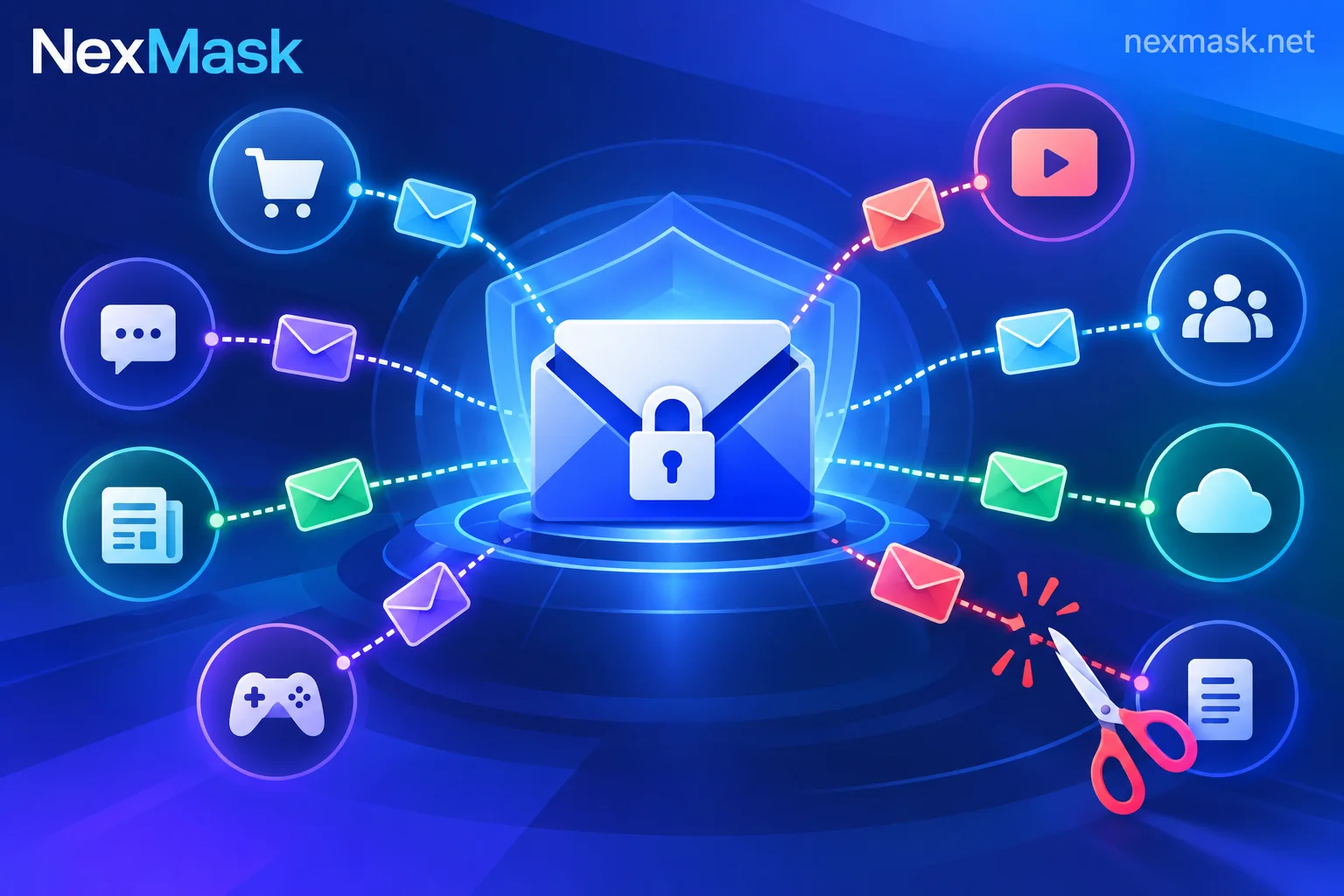
How Anonymous Email Protects Privacy: One Address per Site, Trace Leaks and Disable Individually
Reusing your real email everywhere turns it into an identifier linking your behavior across sites. This article explains the division of labor between temporary email for one-time use and long-lasting aliases for long-term accounts, why plus aliases aren't privacy protection, how to trace spam sources and deactivate aliases, how to prevent tracking pixels, what to do if rejected, and what anonymous email can't do.
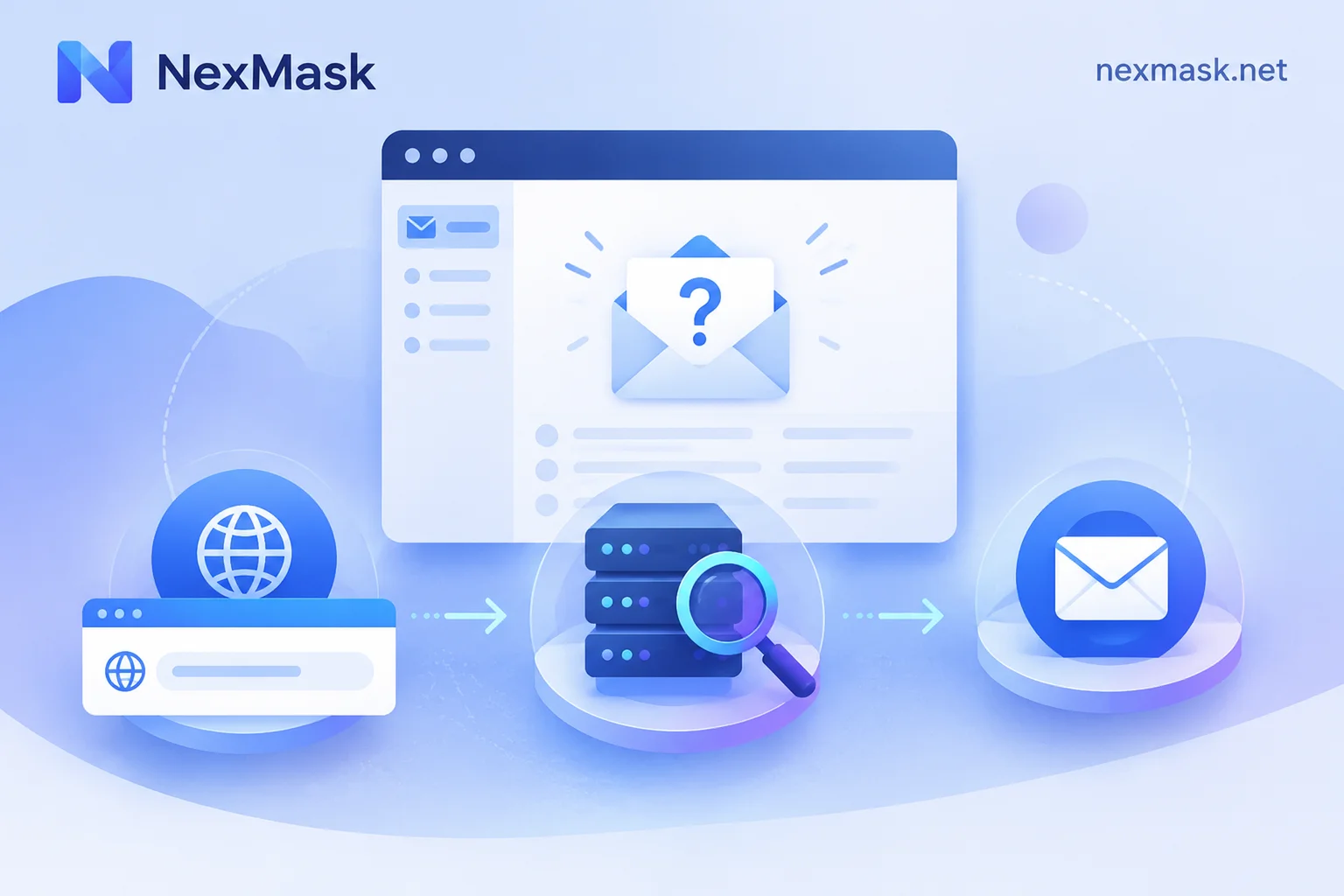
Anonymous Email Not Receiving Messages: Troubleshoot Four Stages, Then Decide Which Address to Switch To
When verification codes or notifications don't arrive, first check the address, review website feedback, wait long enough, then troubleshoot website rejection, delivery delays, temporary email expiration, alias forwarding to spam or deactivation, and custom domain MX configuration—finally switch to a temporary email, long-term alias, or custom domain alias based on account purpose.

