 NexMask-官方博客
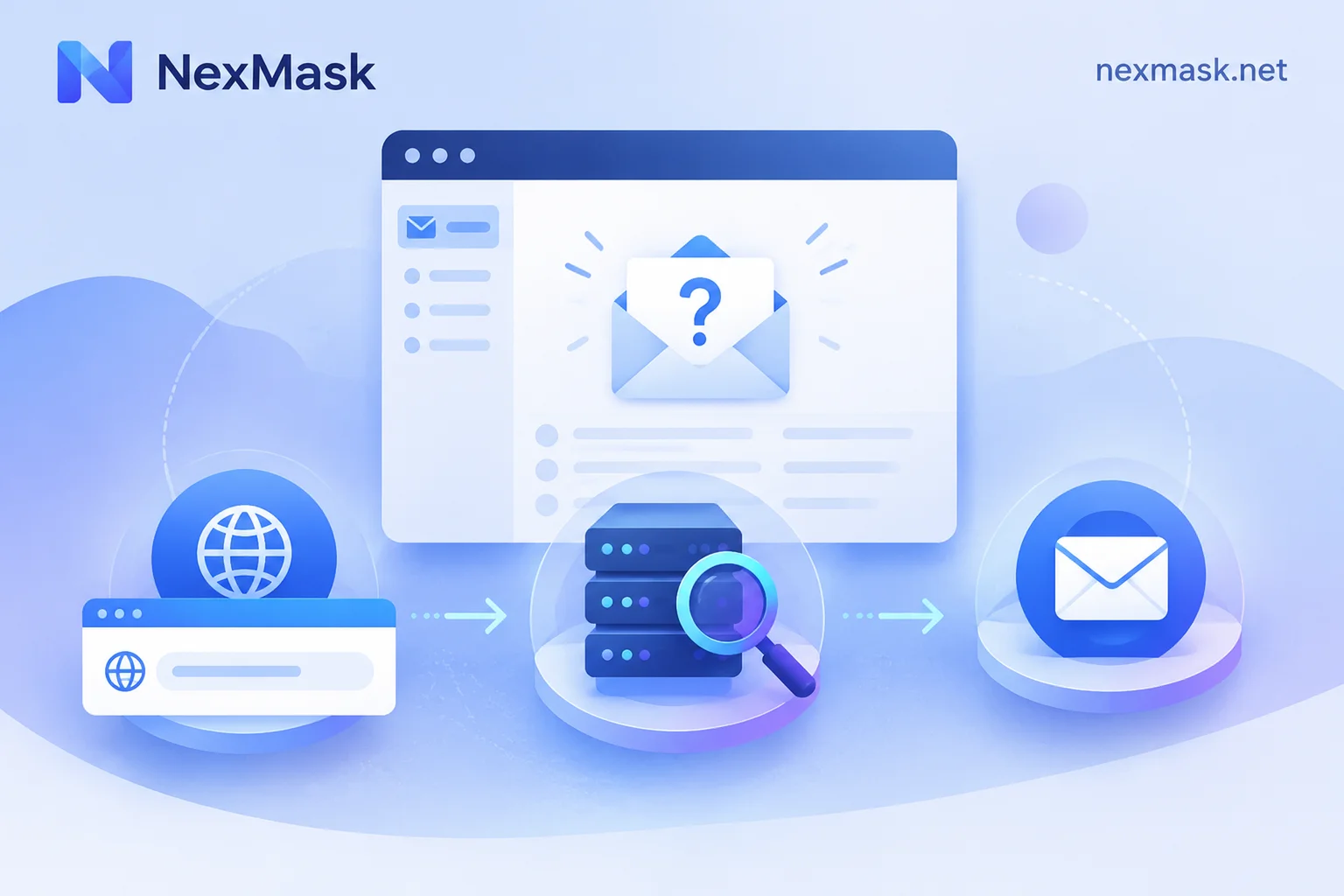
Anonymous Email Not Receiving Messages: Troubleshoot Four Stages, Then Decide Which Address to Switch To
When verification codes or notifications don't arrive, first check the address, review website feedback, wait long enough, then troubleshoot website rejection, delivery delays, temporary email expiration, alias forwarding to spam or deactivation, and custom domain MX configuration—finally switch to a temporary email, long-term alias, or custom domain alias based on account purpose.
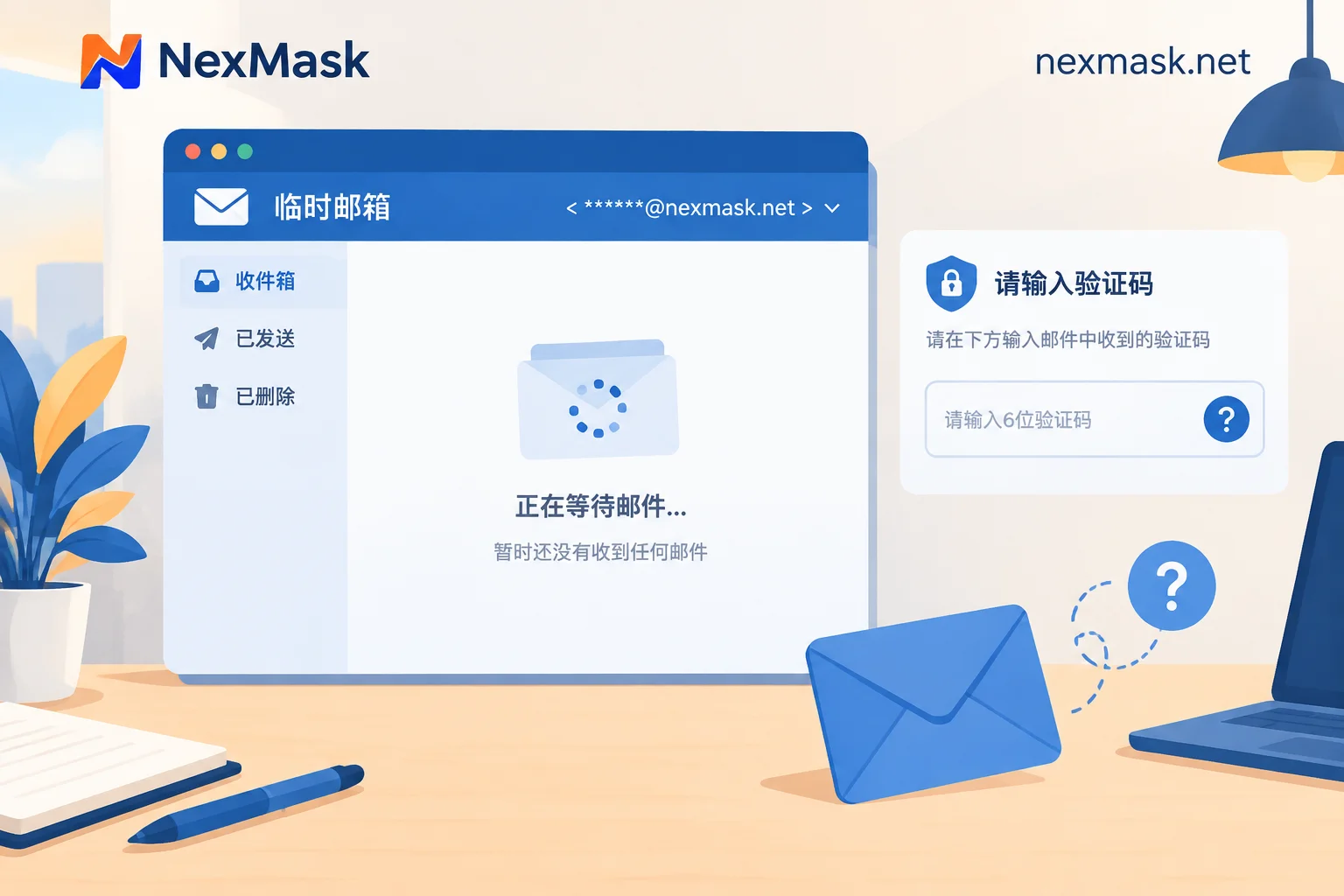
Temp Mail Not Receiving Emails? Three Causes and a Four-Step Troubleshooting Method
Temporary email addresses often fail to receive verification codes or notification emails due to three main causes: blacklist blocking by the target platform, delivery delays and greylisting, and input errors or expired inboxes. Use a four-step method to quickly troubleshoot, and if multiple domains still fail or the account needs long-term maintenance, switch to a long-term alias or custom domain forwarding.
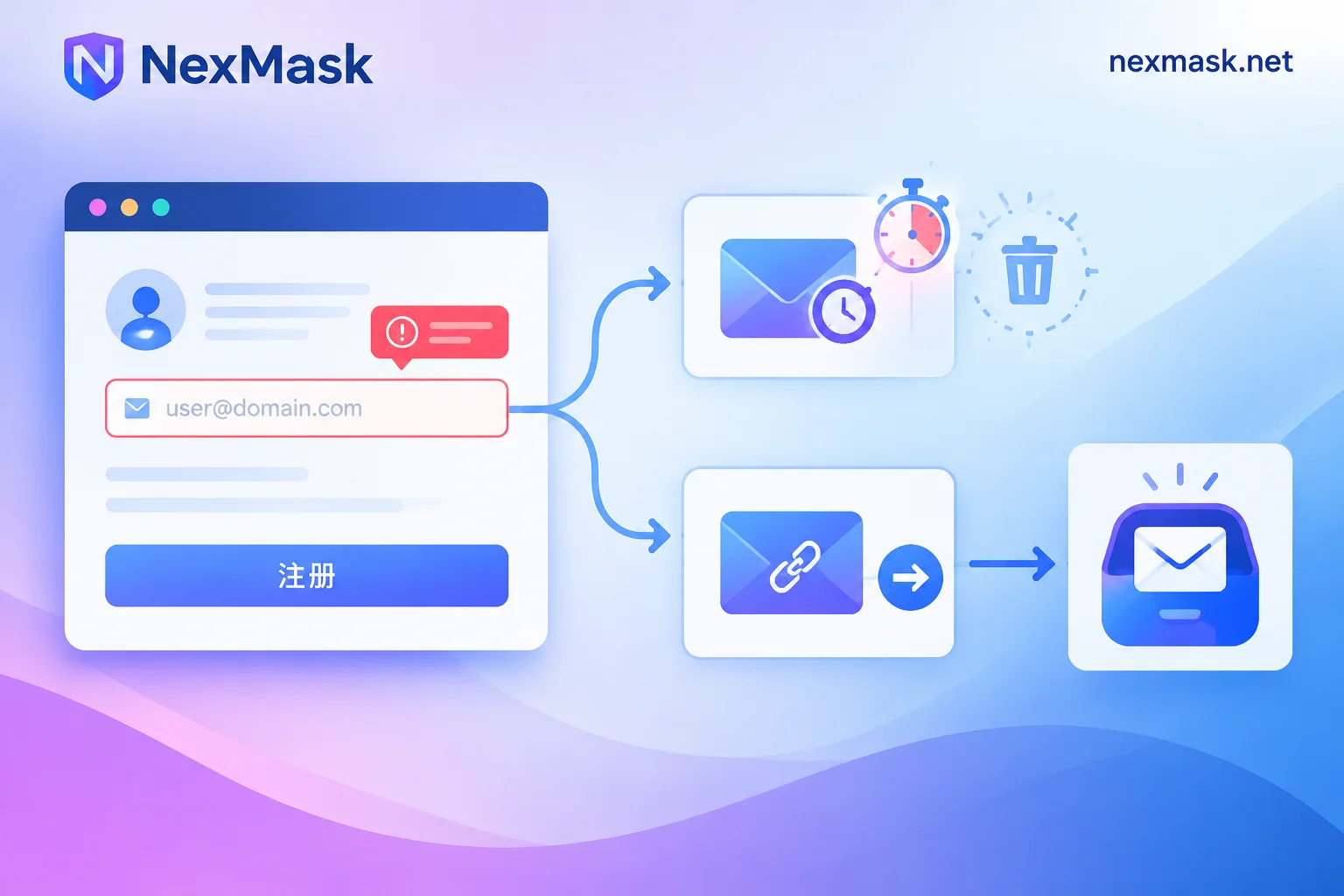
Temporary Email Verification Code Not Received? Troubleshoot by Failure Point, Then Decide If You Need a Long-Lived Alias
Verification codes not arriving can fail in three places: rejected at submission, shown as sent but inbox empty, or received but link invalid. This article provides a troubleshooting sequence, explains how platforms detect disposable emails, and clarifies the boundary between temporary emails and long-lived aliases to avoid locking accounts that require long-term login into a self-destructing inbox.
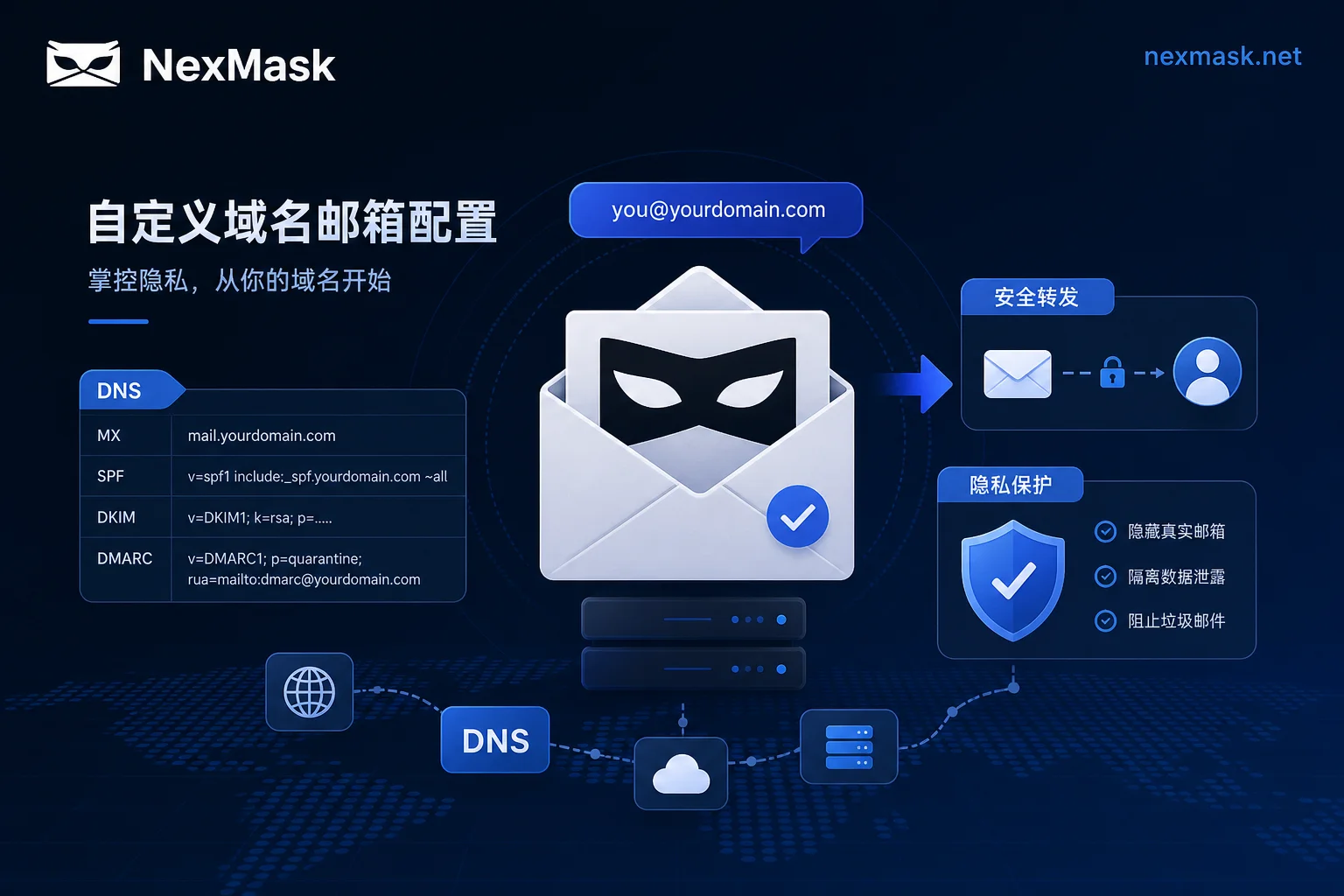
How to Configure NexMask Custom Domains? Troubleshooting Rejected Aliases and Missed Verification Codes
Configuring a NexMask custom domain requires five steps in order: MX → SPF → DKIM → DMARC → catch-all. Missing any step manifests as a rejected alias or missed verification codes. Apple's August 24, 2026, withdrawal of the standalone Hide My Email subdomain confirms domain-granularity blocking. This article covers layered diagnostics, configuration order, forwarding authentication preservation, acceptance testing, and selection guidance.
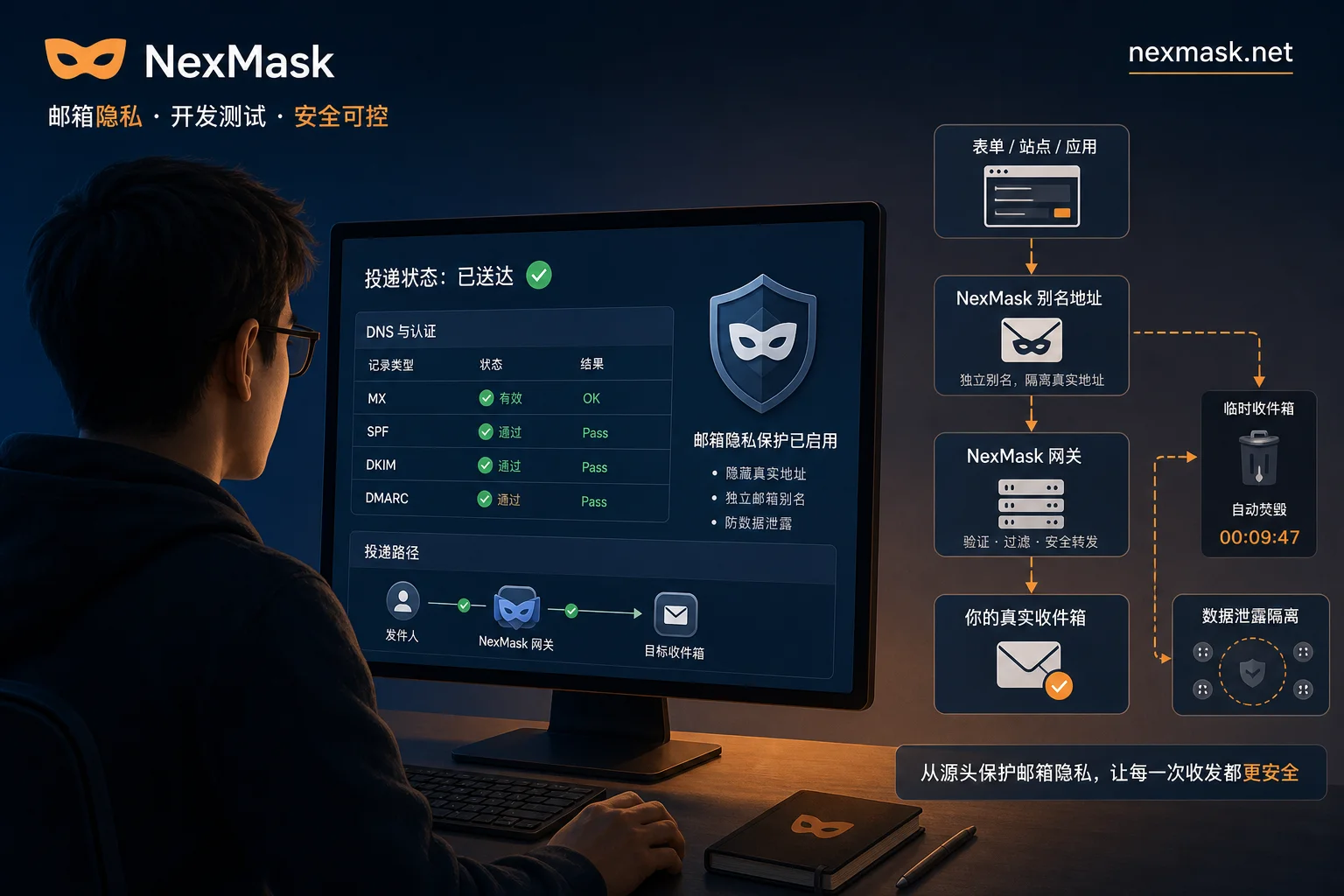
NexMask Email Forwarding Not Received? Troubleshoot Bounces and Spam in 5 Steps
NexMask email forwarding not received usually stems from authentication breaking at the forwarding hop; follow these 5 steps to check DNS records, authentication results in headers, SRS and DKIM rewriting, recipient policy, and run end-to-end tests.


