 NexMask-官方博客

Email Alias Service Comparison: Choose the Right Tool Based on Reverse Sending, Domain Sovereignty, and Migration Costs
In 2026, mainstream email alias services (such as SimpleLogin, addy.io, Firefox Relay, Apple Hide My Email, etc.) each have their pros and cons. This article goes beyond simple free-quota comparisons and examines four real pain points: reverse sending experience, solutions when public suffixes are blocked, data retention and exit sovereignty, and one-time registration offloading, to help you choose the most suitable email and identity isolation solution for long-term use.
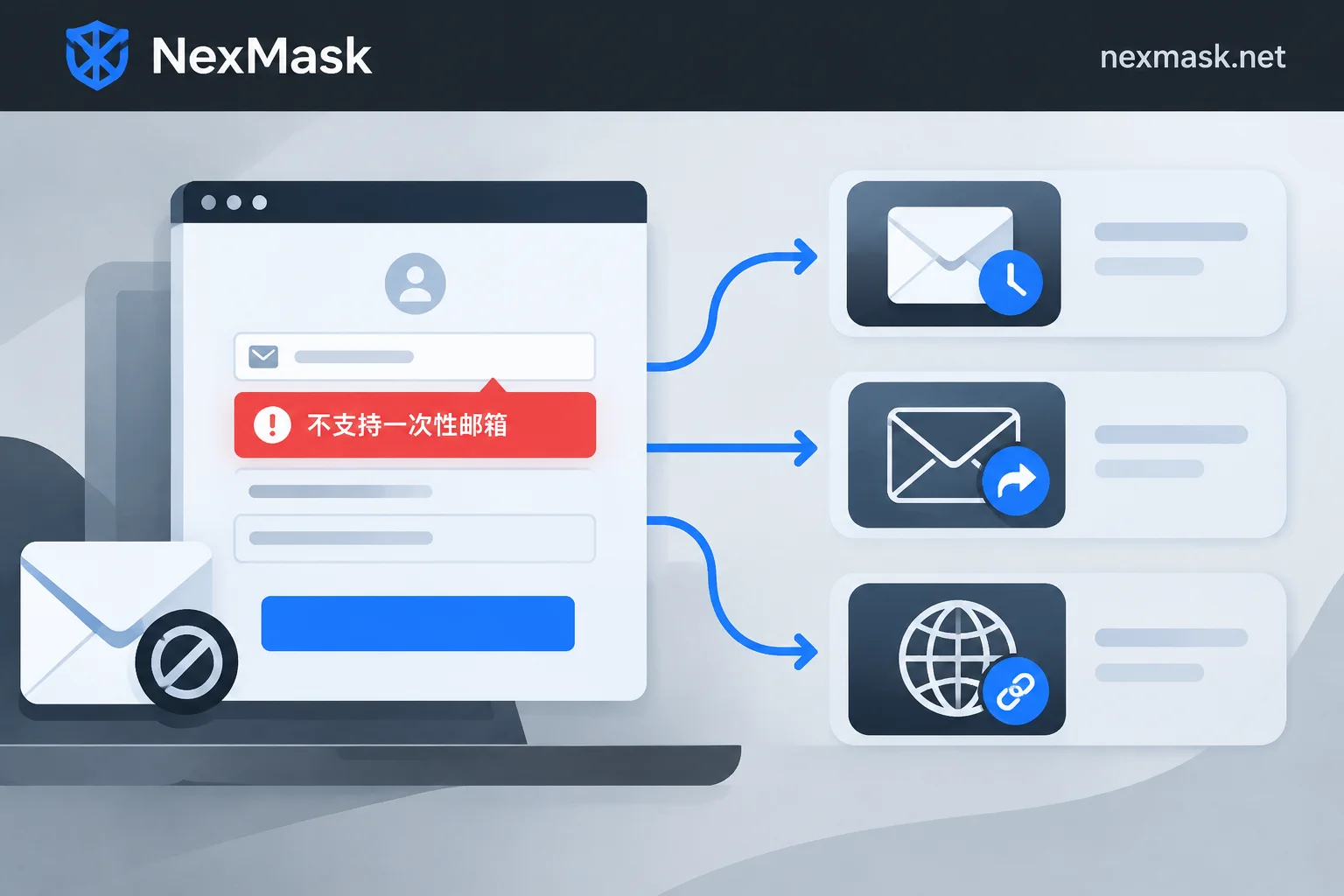
Temporary Email Rejected? Three Paths by Use Case and Why Platforms Block You
When a signup says disposable email isn't supported, don't keep refreshing domains—decide based on whether the account needs long-term maintenance: switch domains for one-off use, use a long-lived alias for password recovery, or forward via your own domain for strict platforms. This article explains blacklists, MX fingerprints, and real-time verification APIs, plus the limits of each approach.
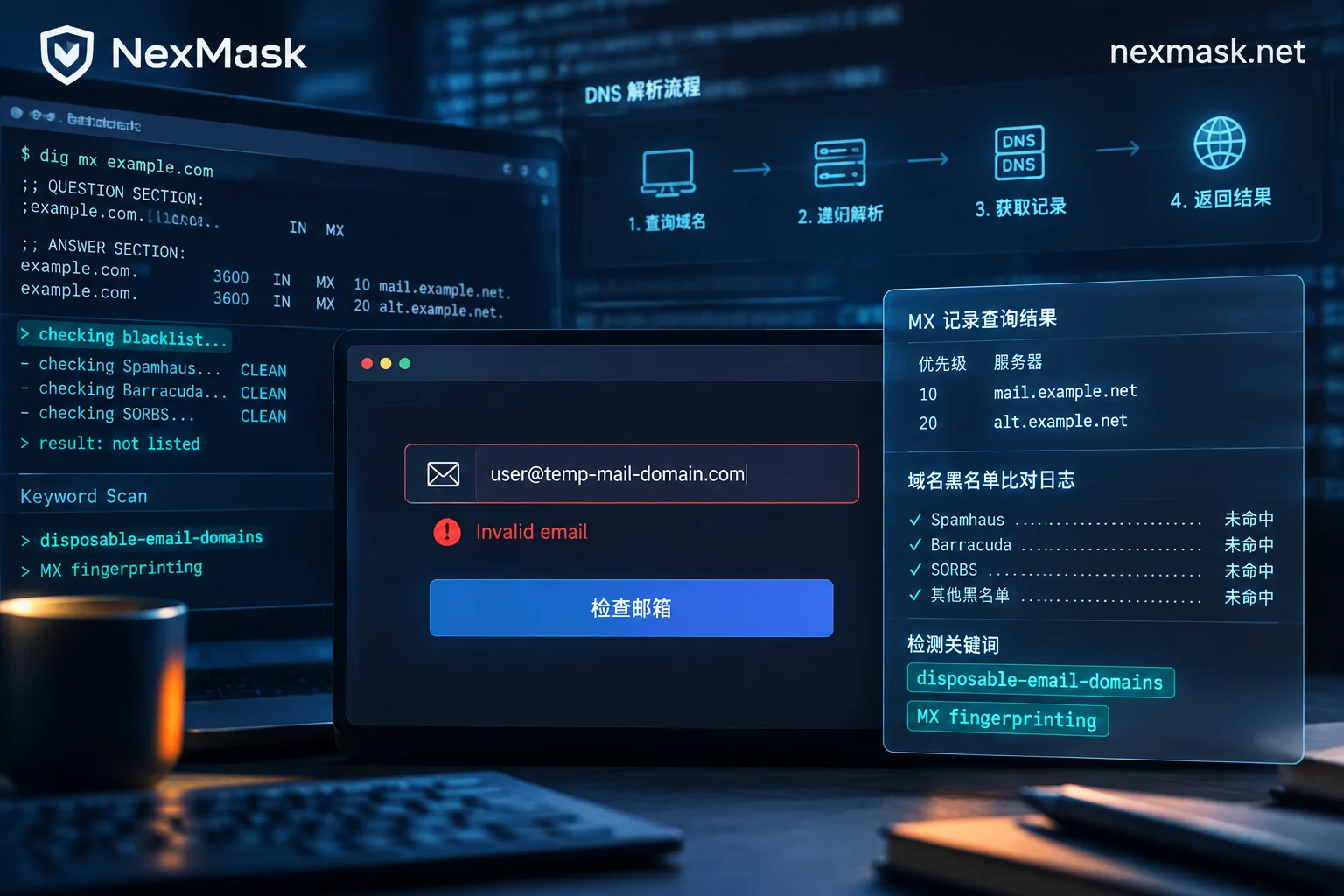
When Should You Use an Anonymous Temporary Email? Alternatives After Rejection and Long-Lasting Alias Selection
Anonymous temporary emails suit one-time verification code receipt and low-trust website trials, but they get blocked by blacklists, MX fingerprints, and heuristic scoring. When rejected, switch to long-lasting aliases or custom domain aliases; for paid subscriptions, password recovery, or long-term login scenarios, use long-lasting aliases from the start instead of temporary emails.
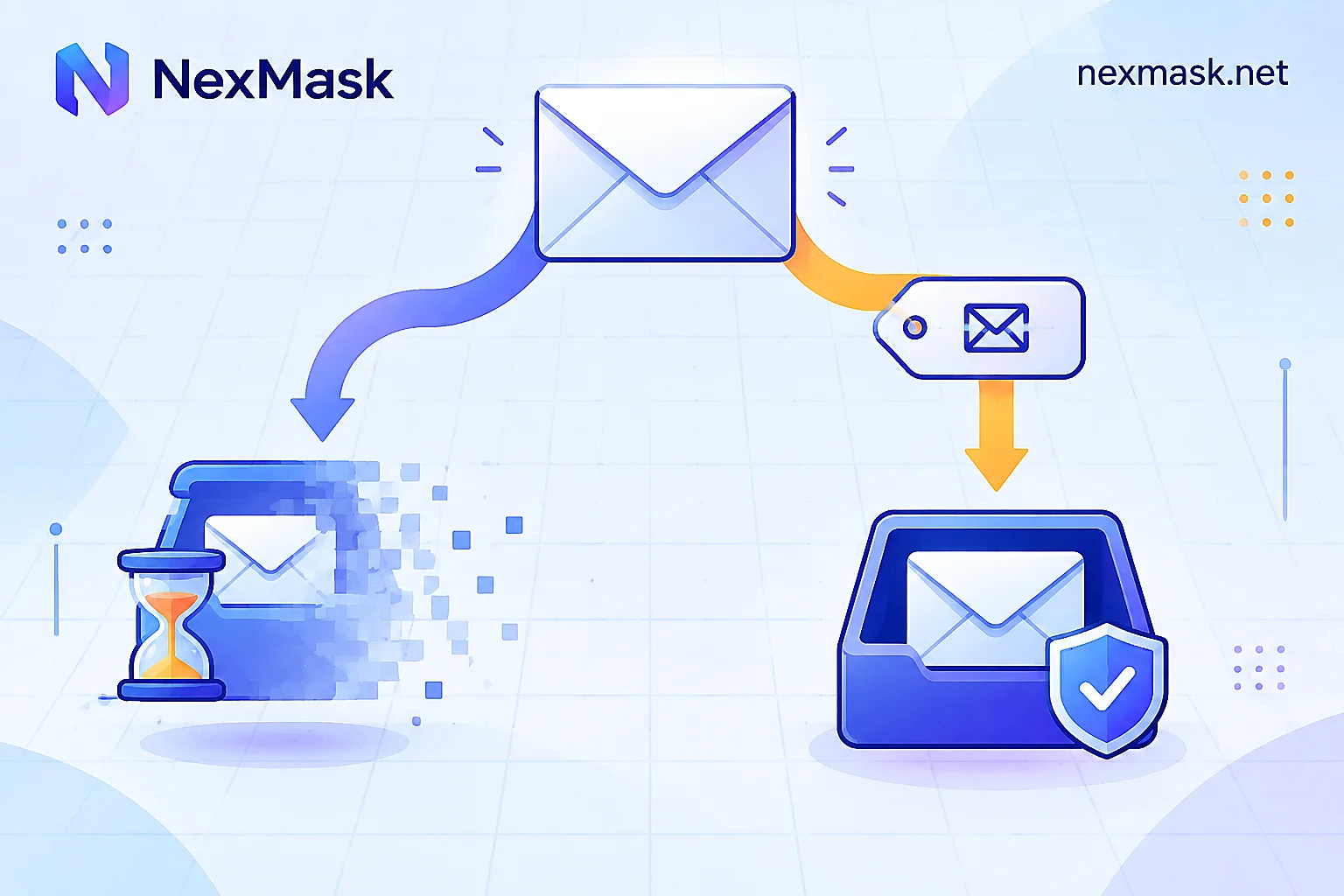
How to Choose a Virtual Email: Disposable Inbox, Long-Lived Alias, or Your Own Domain
Virtual emails fall into two main types: disposable one-time inboxes and long-lived forwarding aliases. Use one criterion to tell them apart: will you ever come back to this address to reset a password or receive notifications? The article explains how each works, how to set up forwarding and deactivation, alternative routes when platforms reject disposable domains, and the boundaries of each.
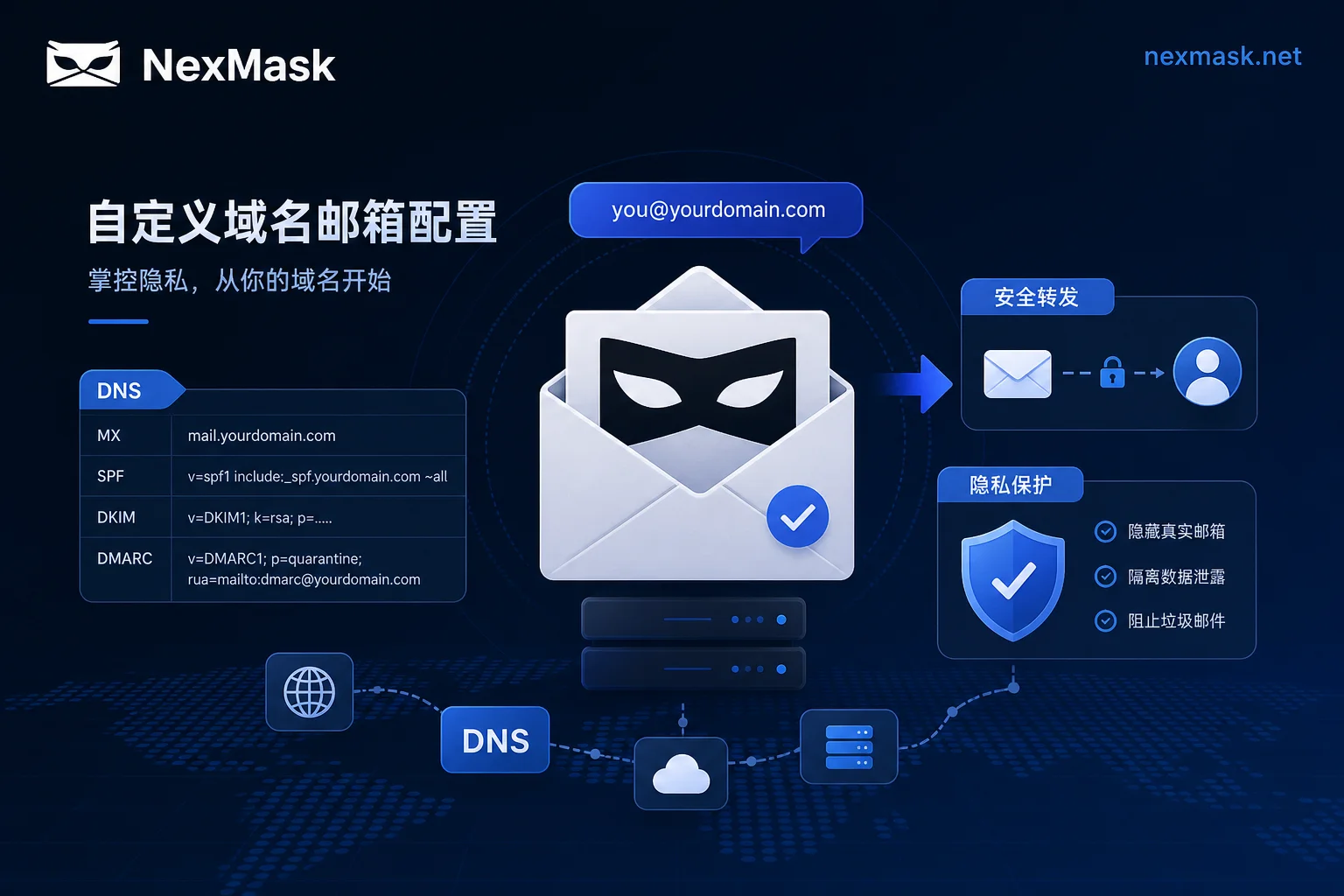
How to Configure NexMask Custom Domains? Troubleshooting Rejected Aliases and Missed Verification Codes
Configuring a NexMask custom domain requires five steps in order: MX → SPF → DKIM → DMARC → catch-all. Missing any step manifests as a rejected alias or missed verification codes. Apple's August 24, 2026, withdrawal of the standalone Hide My Email subdomain confirms domain-granularity blocking. This article covers layered diagnostics, configuration order, forwarding authentication preservation, acceptance testing, and selection guidance.

