 NexMask-官方博客
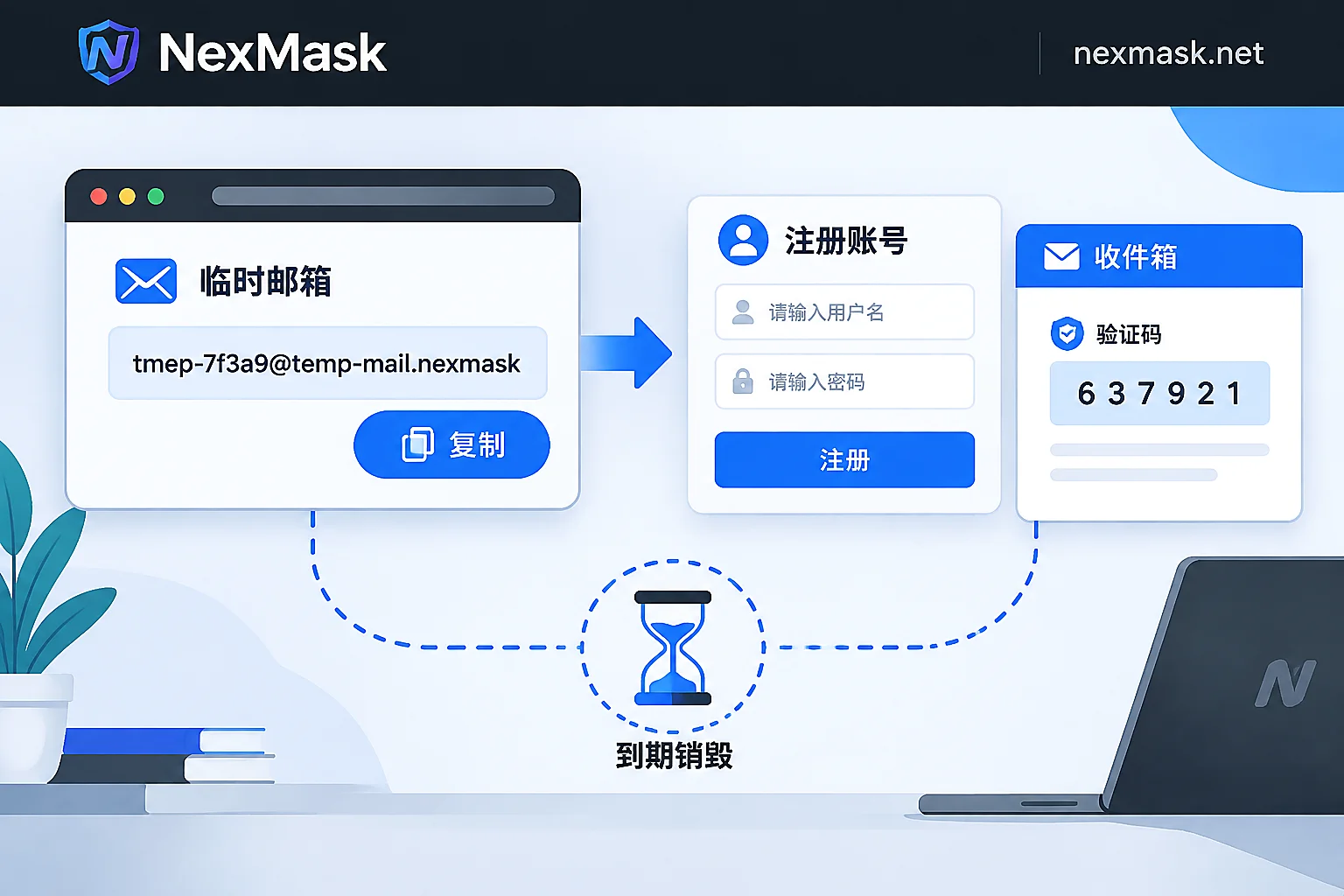
How to Use a Temporary Email: Get Verification Codes in Three Steps and When to Switch to a Long-Lived Alias
The standard way to use a temporary email is just three steps: get an address, fill in the form, and refresh to receive the code; no signup, no cancellation, and the whole inbox is destroyed at expiry. This article explains which one-off scenarios it suits, which accounts should never use it, how to diagnose and work around rejected signups or missing verification codes, and when to switch to a long-lived alias or your own domain if you need to receive mail long-term, reply, or manage many addresses.
How Does Temporary Email Auto-Destruction Work? Can It Be Recovered After Deletion?
Temporary email auto-destruction deletes the address mapping and email content from storage after a set time, with no recovery option. This article explains the lifecycle mechanism, the real consequences after destruction, which scenarios are safe for disposable use, when to switch to a deactivatable long-term alias, and what to do when a one-time email is rejected during registration.
What Is a 7-Day Temporary Email? When to Use It vs a Long-Lasting Alias for Cross-Day Receipts
A 7-day temporary email extends disposable addresses from minutes to days, solving delayed verification, overnight reviews, and next-day activations, but the entire inbox is destroyed irreversibly, making it unsuitable for accounts needing future password resets, billing, or 2FA.
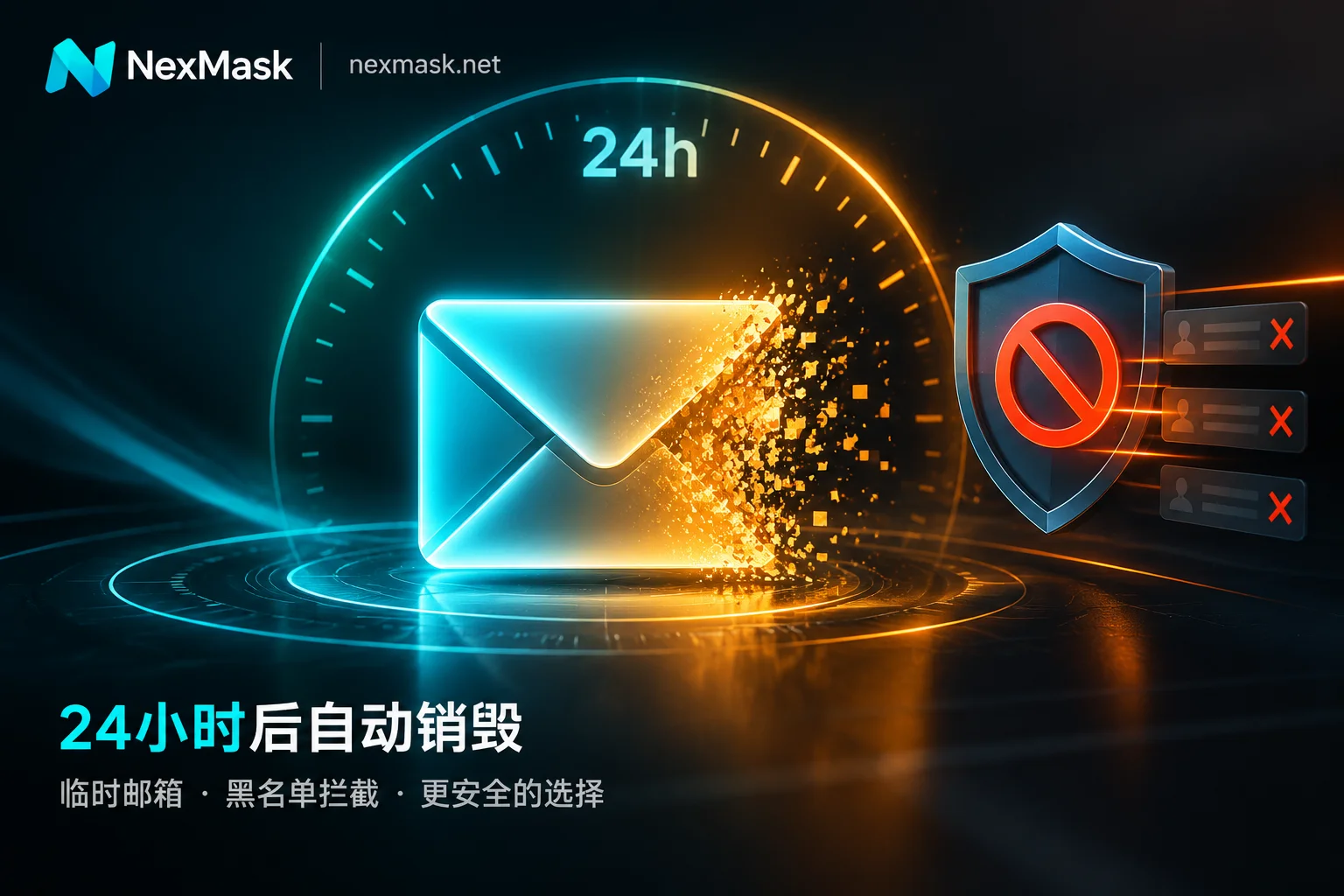
When to Use a 24-Hour Temporary Email: Expiry Boundaries, Blocking Mechanisms, and Long-Lived Alias Selection
A 24-hour temporary email solves 10-minute email failures caused by queue delays, asynchronous links, and double opt-in, but after expiry the address and emails are permanently destroyed, so it must never be used for accounts needing password resets or 2FA; due to widespread disposable email blacklists, switch to a long-lived alias or custom domain when rejected.
What Is a 10-Minute Email? Use Cases, Expiration Limits, and Choosing a Long-Lasting Alias
A 10-minute email is a no-signup, countdown-based disposable inbox for one-time download links and single verification codes, but email delays can cause missed messages, closing the page makes recovery impossible, password reset isn't available, and most platforms reject such domains.


