 NexMask-官方博客
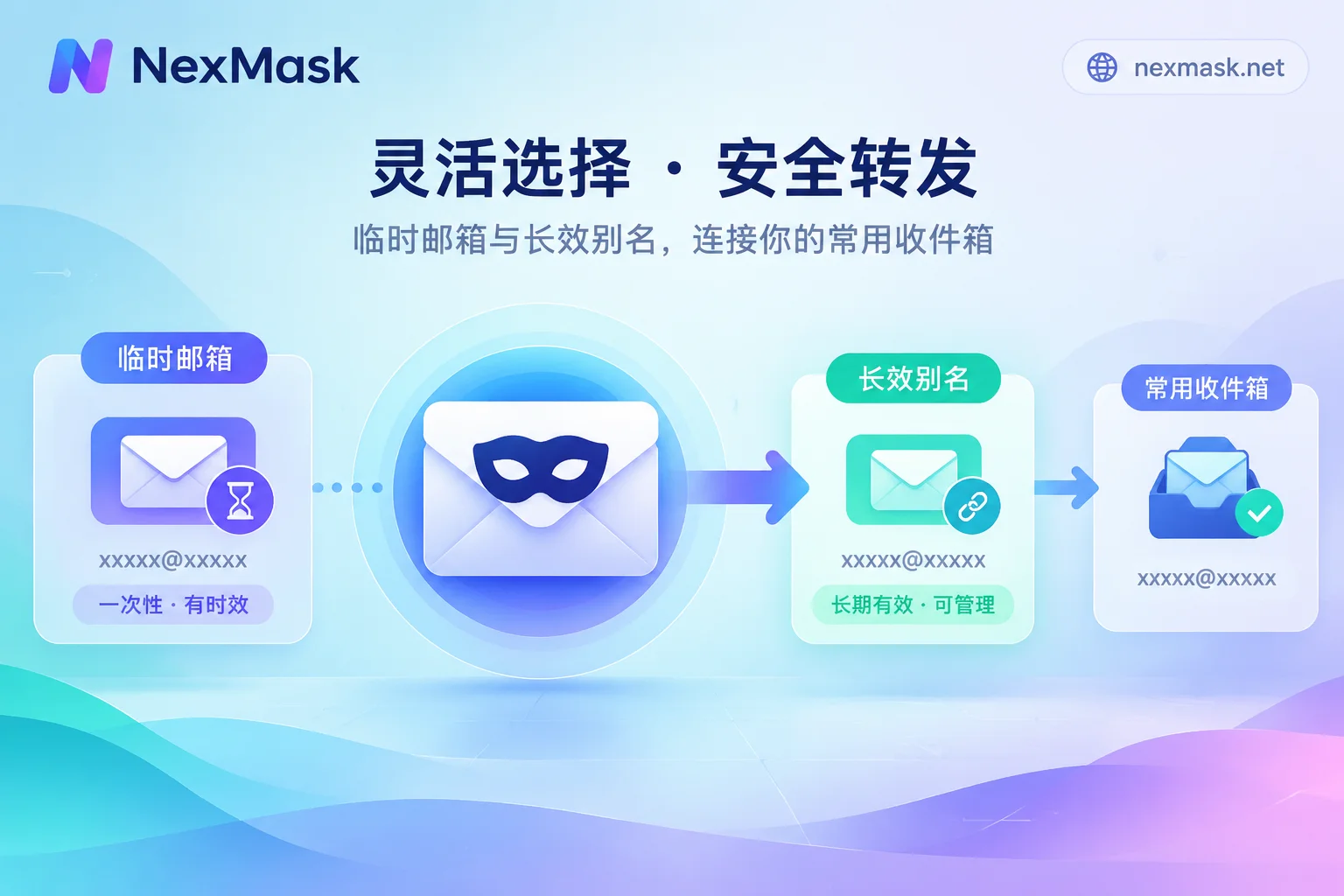
How to Use Anonymous Email: Choosing Between Temporary Email and Long-Lived Aliases, Forwarding, Replying, and Deactivation
Choose based on whether you'll need to log in again: use temporary email for one-time codes, and long-lived aliases forwarded to your main inbox for long-term accounts. This article covers replying, per-site aliases, rebinding before deactivation, handling rejected signups, and binding your own domain, and explains the boundaries of anonymous email.
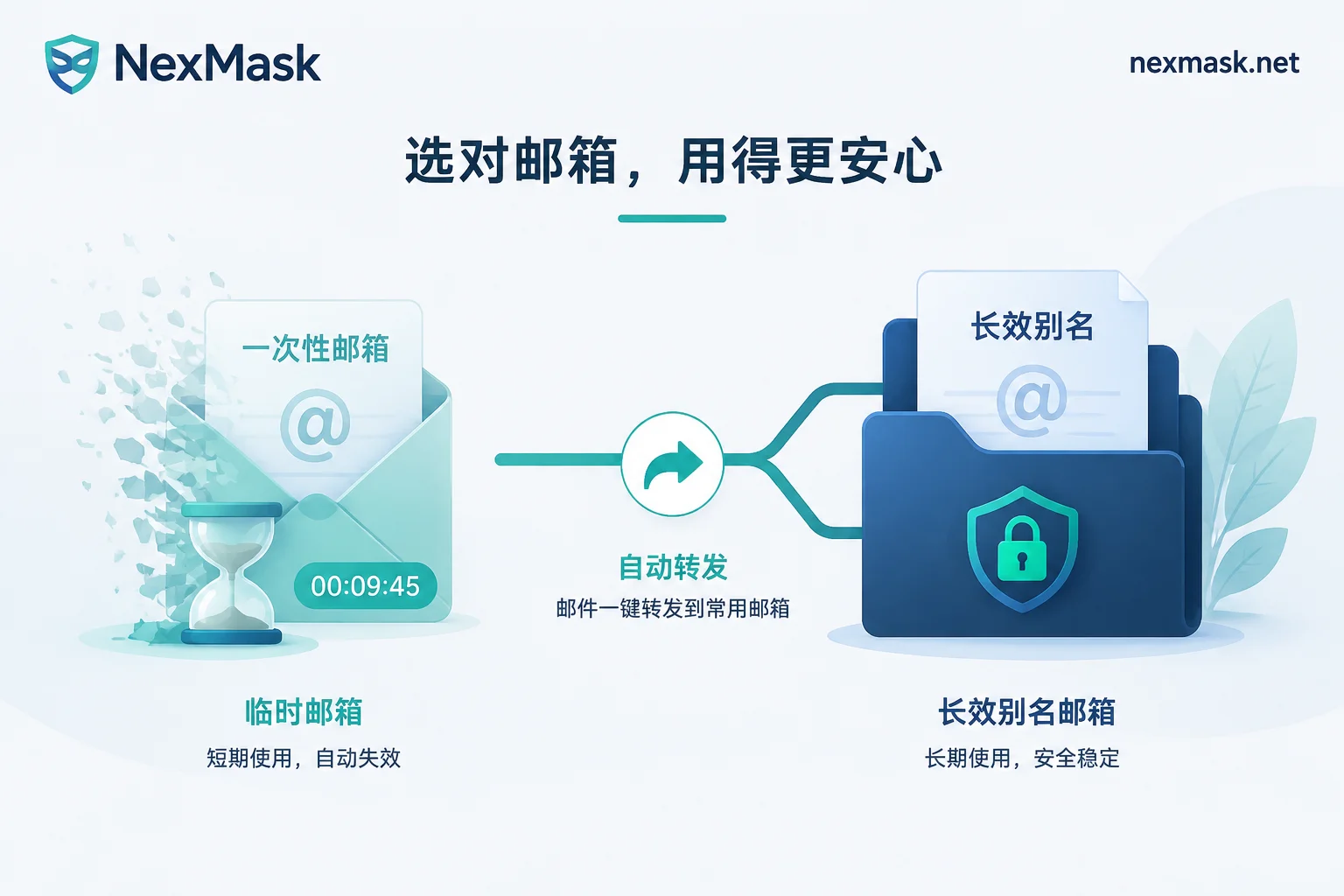
Temporary Email vs Regular Email: Five Differences That Decide Which to Use
Temporary email requires no signup and self-destructs, ideal for one-time verification codes and testing; regular email is long-term and supports password recovery, suited for important accounts. This article uses five differences to clarify the boundaries and explains how to compromise with long-lived aliases when you need a long-term account but want to protect your real email.
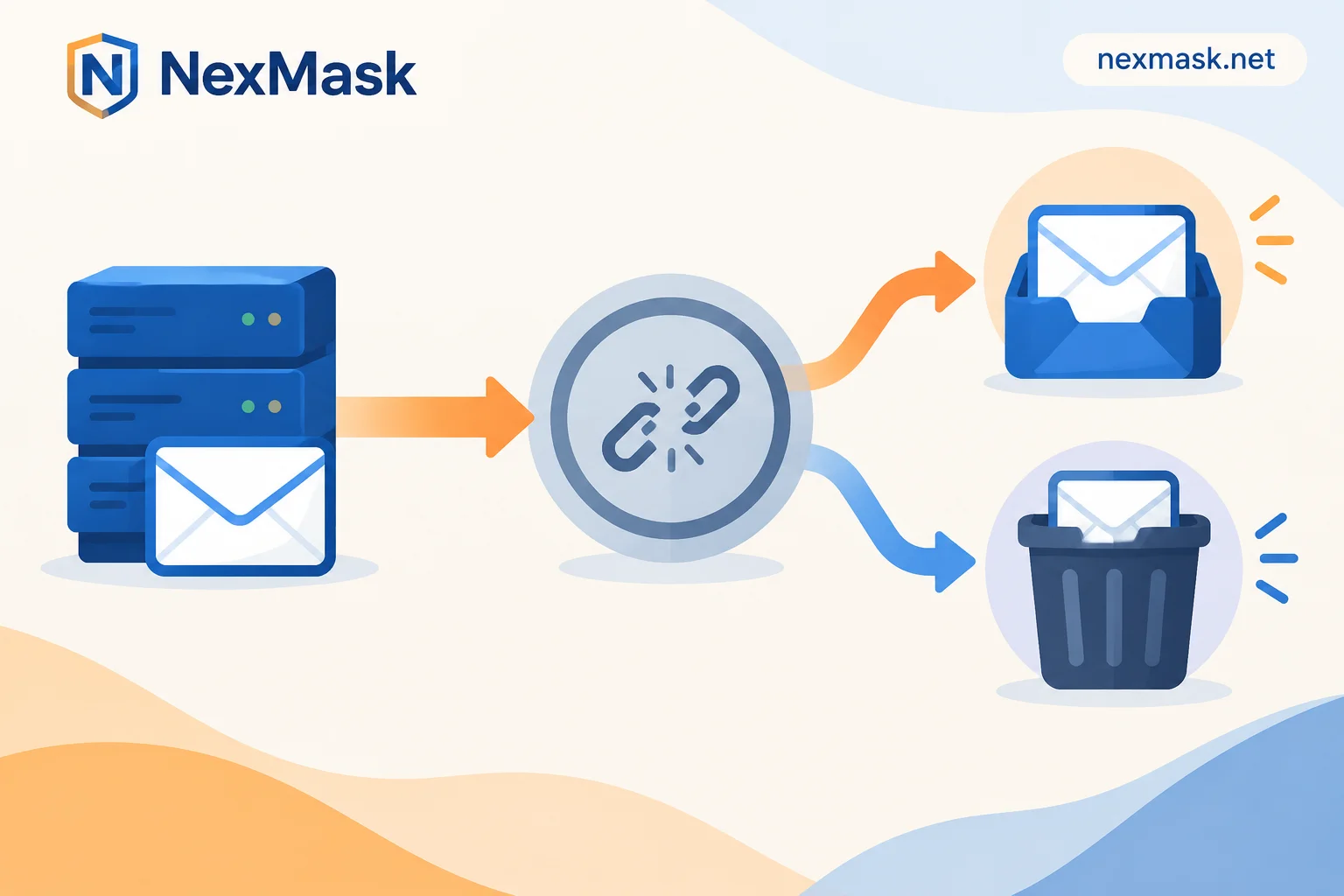
Temp Email Landing in Spam? First Identify Which End, Then Troubleshoot the Forwarding Chain
When temp email messages land in spam, it usually happens at the forwarding hop. This article first helps you determine whether the issue is in the web inbox or the primary mailbox, then gives immediate steps you can take on the receiving end, explains the three mechanisms of SPF breakage, DKIM failure, and shared suffix reputation, and finally recommends tools and settings for three use cases: one-time code receipt, long-term receiving, and exclusive domain reputation.
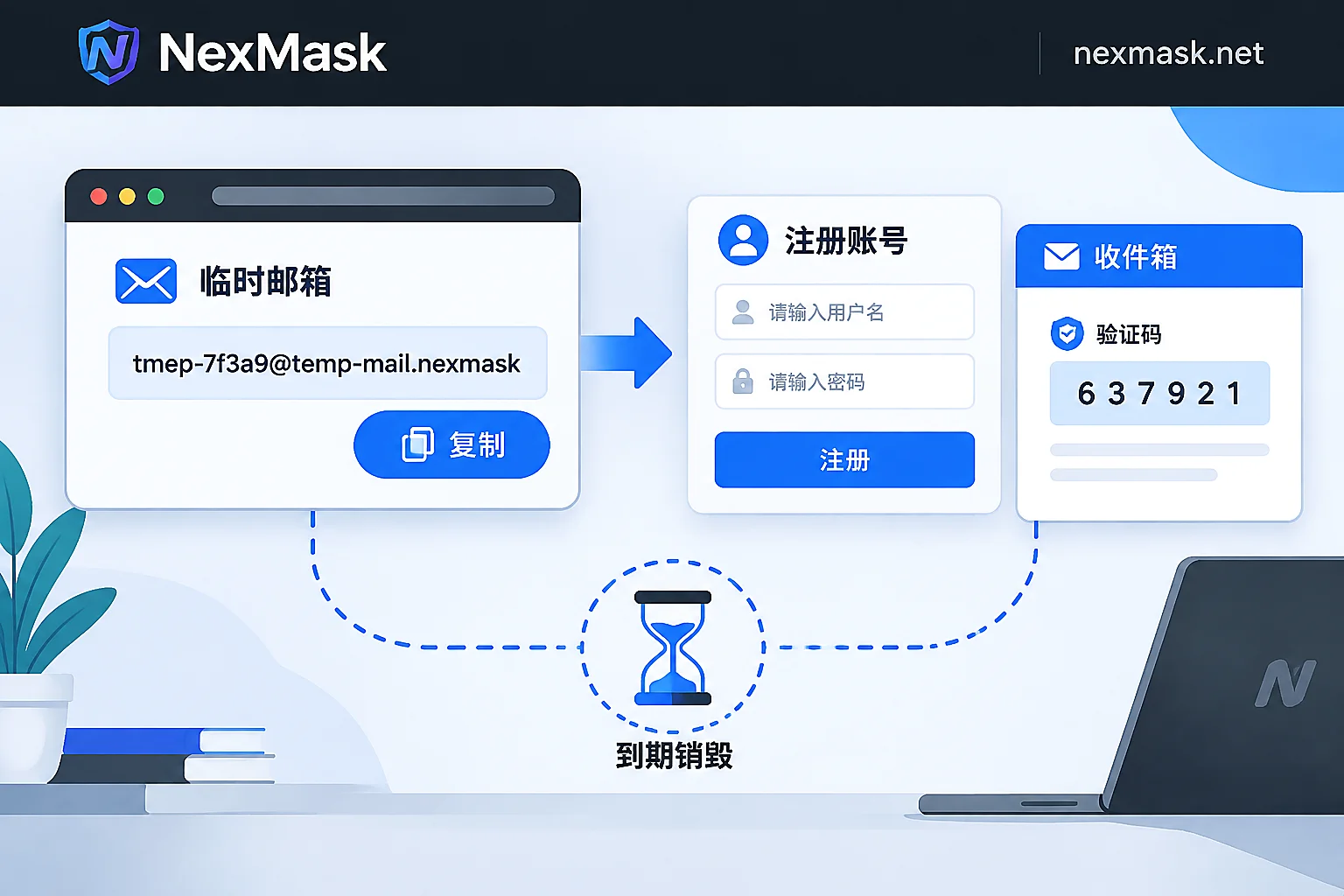
How to Use a Temporary Email: Get Verification Codes in Three Steps and When to Switch to a Long-Lived Alias
The standard way to use a temporary email is just three steps: get an address, fill in the form, and refresh to receive the code; no signup, no cancellation, and the whole inbox is destroyed at expiry. This article explains which one-off scenarios it suits, which accounts should never use it, how to diagnose and work around rejected signups or missing verification codes, and when to switch to a long-lived alias or your own domain if you need to receive mail long-term, reply, or manage many addresses.
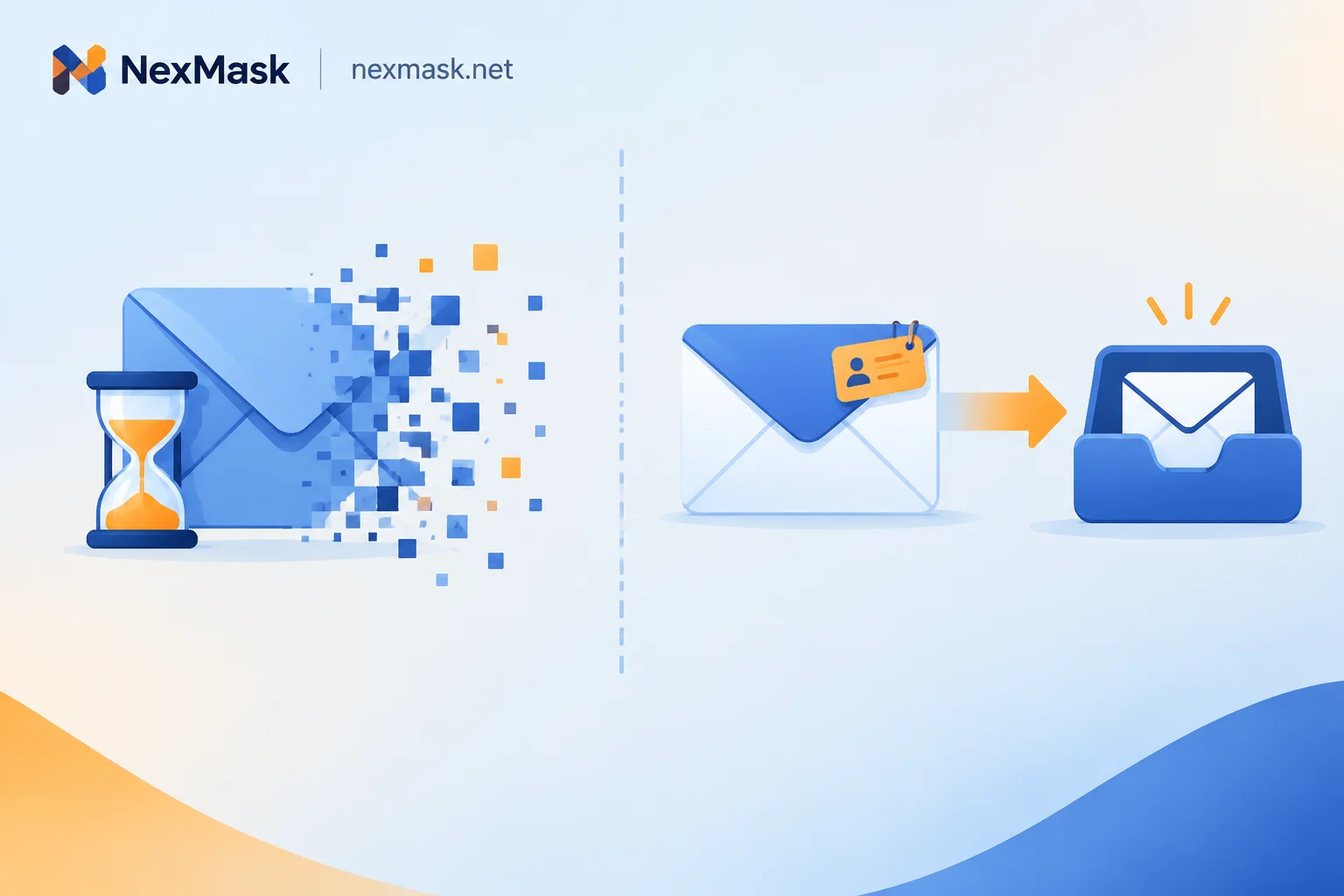
What Is a 7-Day Temporary Email? When to Use It vs a Long-Lasting Alias for Cross-Day Receipts
A 7-day temporary email extends disposable addresses from minutes to days, solving delayed verification, overnight reviews, and next-day activations, but the entire inbox is destroyed irreversibly, making it unsuitable for accounts needing future password resets, billing, or 2FA.


