 NexMask-官方博客
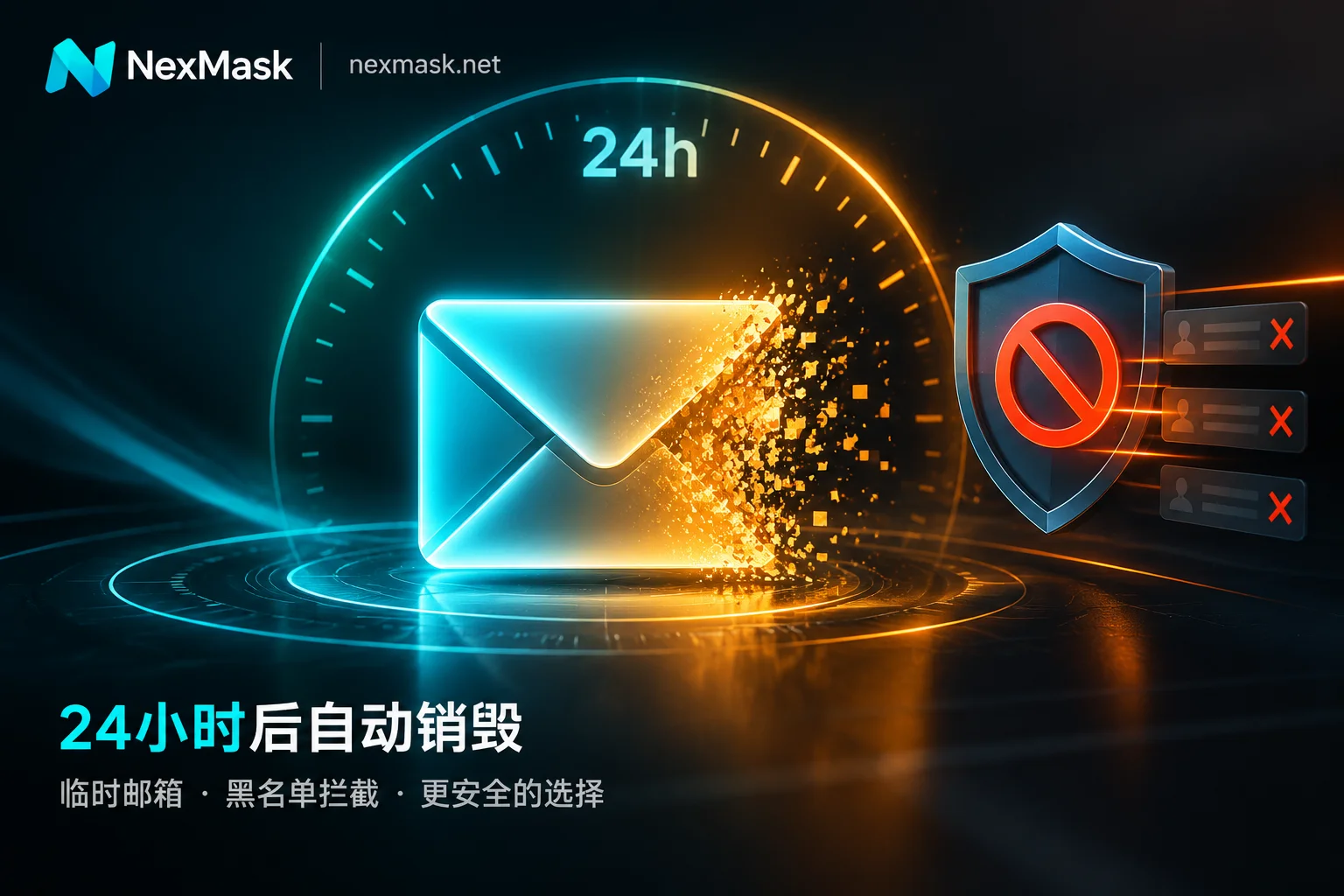
When to Use a 24-Hour Temporary Email: Expiry Boundaries, Blocking Mechanisms, and Long-Lived Alias Selection
A 24-hour temporary email solves 10-minute email failures caused by queue delays, asynchronous links, and double opt-in, but after expiry the address and emails are permanently destroyed, so it must never be used for accounts needing password resets or 2FA; due to widespread disposable email blacklists, switch to a long-lived alias or custom domain when rejected.
What Is a 10-Minute Email? Use Cases, Expiration Limits, and Choosing a Long-Lasting Alias
A 10-minute email is a no-signup, countdown-based disposable inbox for one-time download links and single verification codes, but email delays can cause missed messages, closing the page makes recovery impossible, password reset isn't available, and most platforms reject such domains.
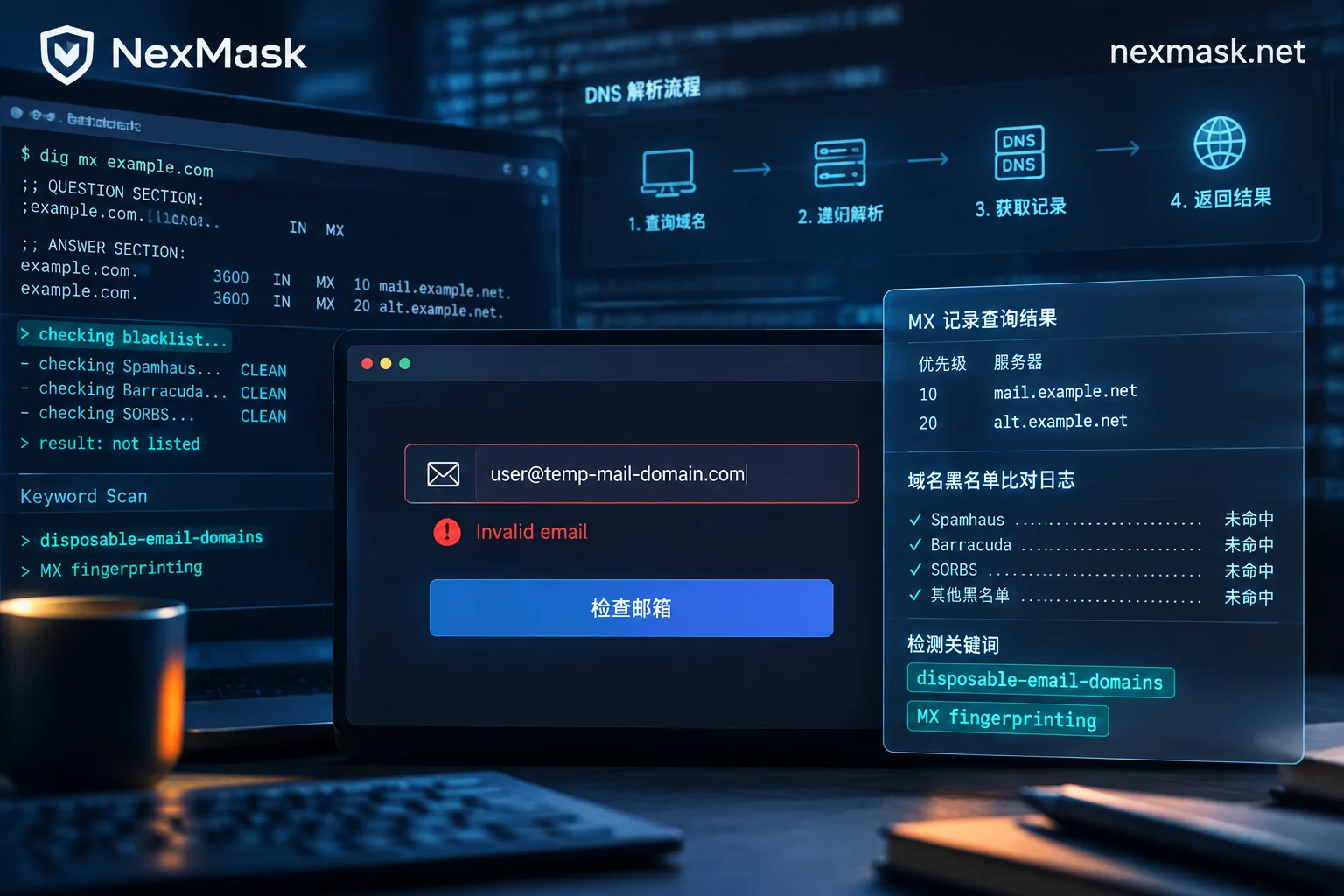
When Should You Use an Anonymous Temporary Email? Alternatives After Rejection and Long-Lasting Alias Selection
Anonymous temporary emails suit one-time verification code receipt and low-trust website trials, but they get blocked by blacklists, MX fingerprints, and heuristic scoring. When rejected, switch to long-lasting aliases or custom domain aliases; for paid subscriptions, password recovery, or long-term login scenarios, use long-lasting aliases from the start instead of temporary emails.
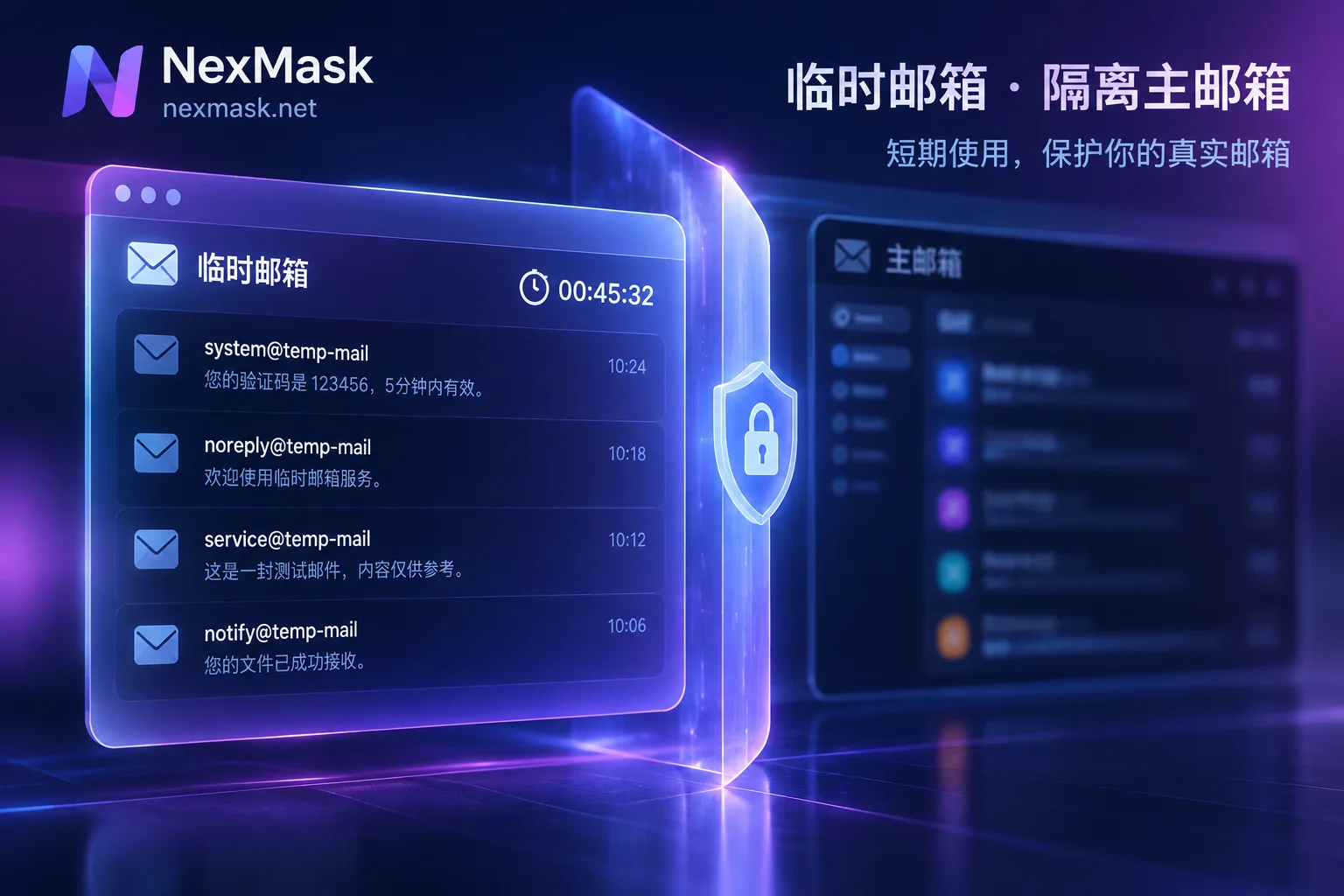
What Scenarios Are Short-Term Email Addresses Suitable For? Boundaries of Expiration and Blocking
Short-term email addresses are suitable for one-time download links, temporary verification codes, and QA testing—ideal for throwaway scenarios to avoid marketing spam and protect your primary inbox. However, since they self-destruct and are often blocked by mainstream platforms, they cannot be used for long-term accounts or important services. When encountering rejection or needing long-term receiving, switch to a long-lived alias or custom domain.
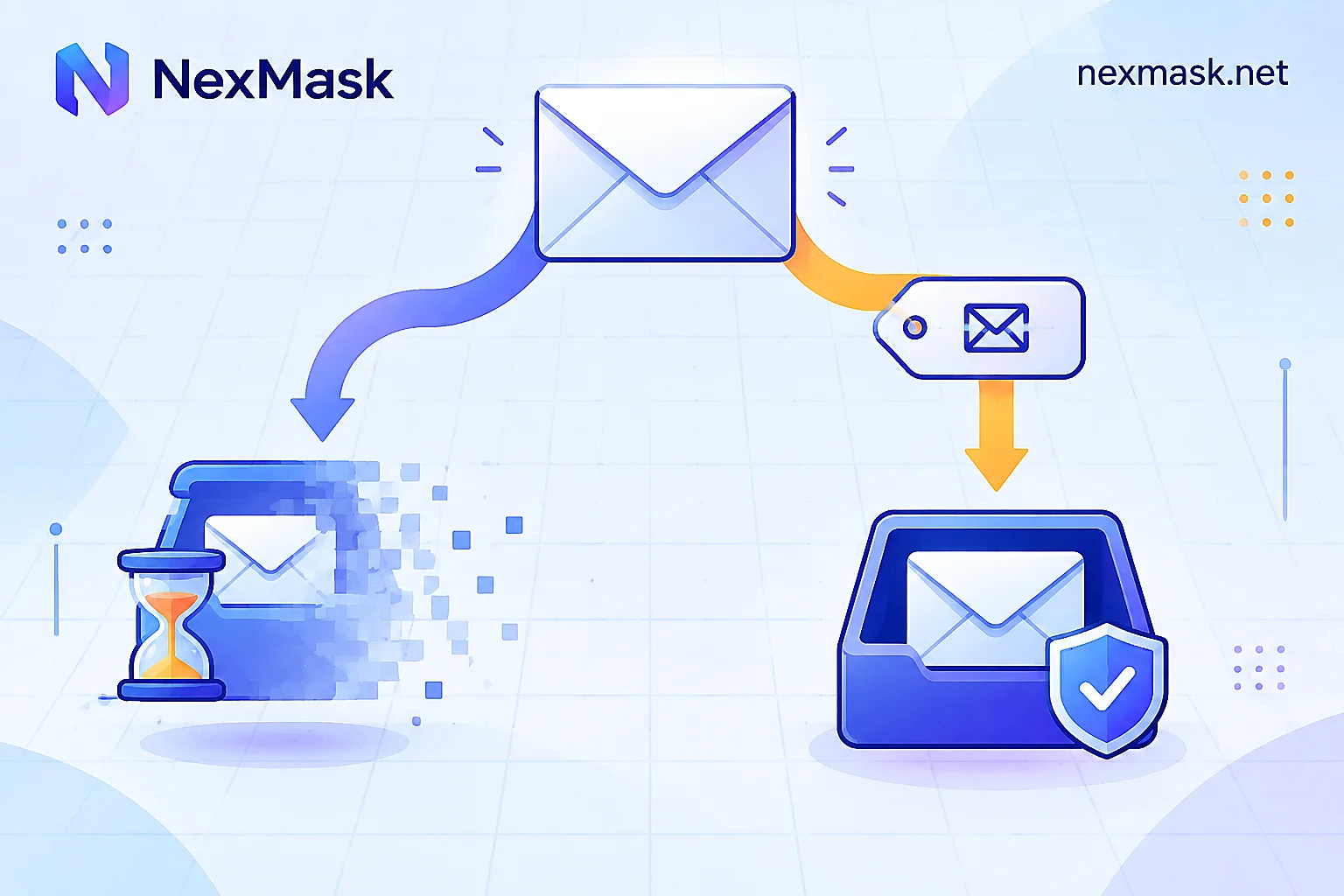
How to Choose a Virtual Email: Disposable Inbox, Long-Lived Alias, or Your Own Domain
Virtual emails fall into two main types: disposable one-time inboxes and long-lived forwarding aliases. Use one criterion to tell them apart: will you ever come back to this address to reset a password or receive notifications? The article explains how each works, how to set up forwarding and deactivation, alternative routes when platforms reject disposable domains, and the boundaries of each.


