 NexMask-官方博客
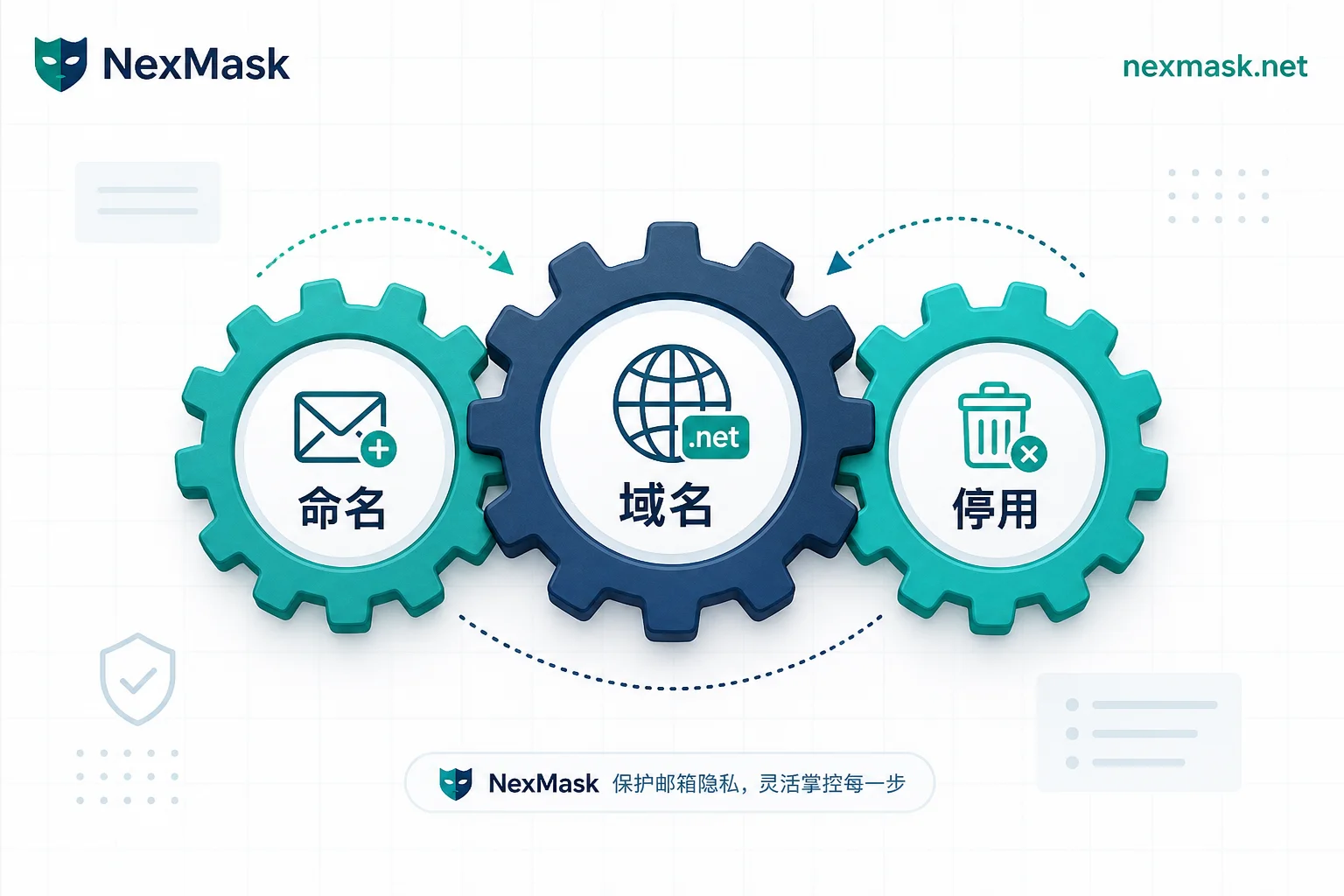
Random string aliases generated on the fly during e-commerce registrations turn into an unidentifiable inbox jumble after three months. This accumulation of "digital junk" traps many users in a management dilemma. You only need to control three things: naming, domain ownership, and decommissioning—no complex tools required.
On August 24, 2026, Apple updated its developer notice, announcing it is withdrawing the plan to migrate iCloud+ Hide My Email to private.icloud.com. Hide My Email will continue using icloud.com, while Sign in with Apple will still migrate as planned. This factual difference means: when privacy aliases are consolidated under a separate subdomain, third-party sites can batch-block them via simple domain blacklists. Conversely, mixing with the main domain makes platforms hesitant to block due to the risk of collaterally affecting regular users. Therefore, the core of managing one alias per website lies in the underlying mapping and infrastructure attributes, not the address itself.
Three Variables of Alias Dysfunction: Naming, Ownership Domain, and Decommission Path
Once aliases exceed a dozen or so, chaos typically stems from the disconnection of three variables. First, arbitrary naming: if addresses are random strings or whimsical, you can't visually trace the source site when spam arrives. Second, domain homogeneity: all aliases share one highly recognizable public domain, easily triggering site-wide domain blocking by risk control systems. Third, rigid decommission logic: users hesitate to decommission leaked aliases, fearing impact on account login or password recovery.
These three variables interlock: naming conventions determine how quickly the leak source can be identified after an incident; the ownership domain determines whether an alias can reliably receive verification codes and bills long-term; the decommission path determines whether a leak can be stopped without locking the account. Once these three layers are clarified, orderly management can be achieved without extra software.
Naming Conventions and Record Fields: Tracing Which Site Spam Comes From
Efficient tracing relies on standardized naming structures. Below is a comparison of three common formats:
| Naming Pattern | Example Format | Trace Efficiency | Exposure Risk | Suitable Scenario |
|---|---|---|---|---|
| Full site name | shop-amazon@domain | High (intuitive) | Medium (easily recognized by crawlers) | High-frequency primary accounts |
| Abbreviation + purpose | sh-ord@domain | Medium (needs lookup table) | Low (semantically vague) | General service subscriptions |
| Site + month-year | netflix-2608@domain | High (includes timestamp) | Medium | Trial or short-term campaigns |
Regardless of the pattern used, a minimal checklist must record the following fields: alias address, corresponding site and login URL, creation date, purpose category, and current status (active/paused/deprecated). With these structured data, if you wonder how to know which website leaked when an alias receives spam, just look for the site identifier in the incoming address, identify the responsible party, and proceed with subsequent actions rather than guessing.
Decommission Alias or Block Sender: Pros and Cons of Two Action Paths
Facing spam, directly decommissioning the alias is not the only option and may even bring side effects. In late August 2026, competitor addy.io added in its Changelog the ability to blocklist senders by individual email address and domain, and to share custom domains across accounts in Duo and Family plans. This marks a shift in industry thinking from merely "address isolation" to more granular "email flow filtering," and domain ownership emerges as an independent variable in alias management.
| Action | Operation Logic | Pros | Cons | Pre-check Items |
|---|---|---|---|---|
| Block specific sender | Keep alias, only intercept specified email or domain | Does not affect other important notifications (e.g., verification codes, bills) | Cannot defend against new spam sender variants | Confirm whether the alias is bound to multiple different service providers |
| Decommission alias outright | Cut all forwarding or receiving for that alias | Completely blocks all information flow via that channel | May cause inability to recover password or receive critical notifications | Confirm whether the alias is the sole login identifier or recovery channel |
Before decommissioning, always check whether the alias serves as the account's login identifier, the only password recovery channel, or is tied to auto-renewing services. If so, first replace the bound email on the target site, then decommission to avoid locking the account.
Blockability Comparison of Alias Ownership Domains
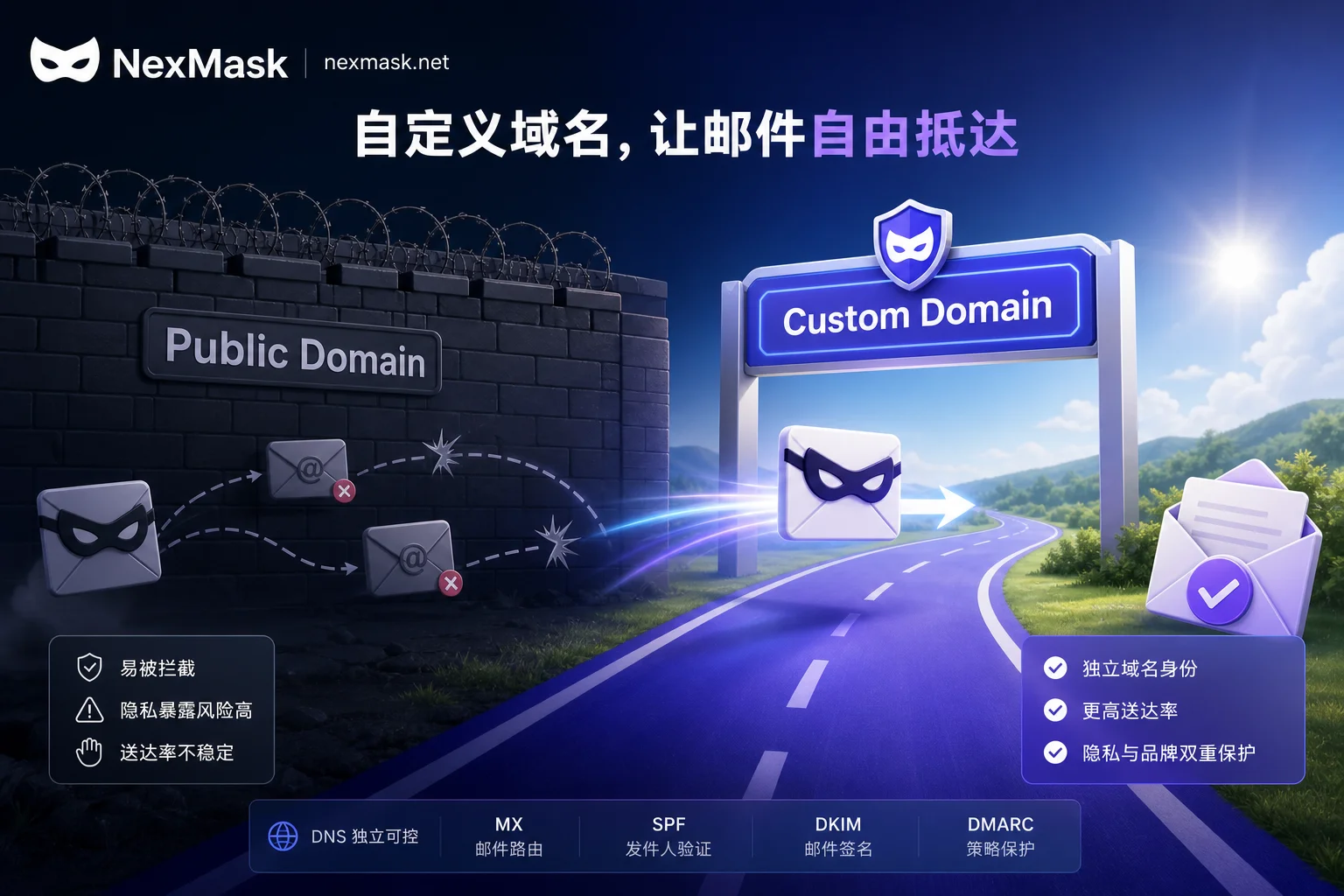
Domain control and obscurity are key to alias longevity. Apple's withdrawal of the independent subdomain for Hide My Email proves that domains with overly obvious privacy characteristics become easy targets. Common domain types include public alias domains, separate privacy subdomains, and custom domains.
| Domain Type | Blockability | Portability | Management Cost | Account Importance Fit |
|---|---|---|---|---|
| Public alias domain (e.g., @mozmail.com) | High (easily domain-blocked) | Low (depends on provider stability) | Low | One-time downloads, short trials |
| Separate privacy subdomain (e.g., @private.icloud.com) | Medium-high (obvious characteristics) | Medium | Low | Ordinary social, forum registrations |
| Custom domain (e.g., @myname.xyz) | Low (can look like a regular email) | High (fully controlled) | Medium (requires DNS setup) | Financial, government, primary work accounts |
For the question of why some websites block alias domains, the answer lies in risk control models assessing domain reputation. Custom domains allow users to adjust MX records, configure SPF/DKIM, and thus improve domain reputation, reducing the chance of being flagged. For deeper technical details on configuring your own domain to boost alias survival, How to configure a custom domain for NexMask provides technical specifics. Note that final approval depends on each site's risk control policies; no domain is absolutely immune.
Choose Approach by Scenario: Naming, Domain, and Decommission Strategies for Different Account Types
Different management strategies should be applied based on account value and sensitivity. Here are scenario-specific recommendations:
| Account Type | Recommended Naming | Recommended Domain | Requires Checklist | Priority Handling | Must-Do Before Decommission |
|---|---|---|---|---|---|
| One-time/Trial | Random or date suffix | Public alias domain | No | Decommission or delete outright | None |
| E-commerce/Logistics | Site name + order tag | Separate privacy subdomain | Yes | Block specific marketing senders | Confirm shipping address association |
| News/Community | Site abbreviation + topic | Public alias domain | Simple record | Block or unsubscribe | None |
| SaaS/Collaboration | Site name + role | Custom domain | Detailed record | Block specific senders | Update login email |
| Financial/Government | Full site name + year | Custom domain | Strict audit | Careful decommission, prioritize rebinding | Verify backup recovery method |
This table reflects the transition from low-cost, high-disposal temporary scenarios to core scenarios requiring high investment and long-cycle maintenance. For accounts involving financial security, never use disposable temp inboxes, as such addresses lack the ability to receive legal notices or bills over the long term. To clarify boundaries, see One-time temporary email vs. email alias: how to choose.
Frequently Asked Questions
Do I need to rename all existing aliases?
No need to redo everything. Adopt an "incremental compliance" strategy: strictly follow naming rules and record new aliases; for existing ones, mark or replace only if they leak or cause interference. Full-scale restructuring is costly and error-prone; focus on establishing future management discipline.
Can the leak source be confirmed just by the address?
If your naming convention includes a site identifier (like site-service@domain), you can confirm directly. With random strings, visual identification is impossible; you must rely on a pre-established "alias-to-site" mapping list. If no list exists, use a testing method: temporarily block that alias and observe which site's verification codes or notifications stop to infer the source.
Can I still log in after decommissioning an alias?
Depends on whether the site uses that alias as the sole login identifier. Most modern apps support multi-factor authentication or backup emails; decommissioning an alias only affects email reception, not login credentials. However, if the alias is the only recovery path, decommissioning will result in permanent account loss. NexMask's anonymous email aliases support creating independent aliases per site and can be individually decommissioned; custom domain aliases keep domain control on the user side. Free one-time temp emails are only for short-term reception, not long-term alias management (for specific limits, refer to official website, verified September 2026).
Why do some websites reject alias registration?
Website risk control systems maintain blacklists of known public alias domains. If your alias uses a widely known free privacy service domain (e.g., default domains from certain open-source projects), it may be treated as a non-real user or potential abuser and rejected. Using a custom domain or a mainstream provider's main domain (like icloud.com) can effectively avoid such detection.
How to block senders while keeping verification codes?
Enable "sender-level filtering" in your email forwarding service settings. Add specific email addresses or domains to a blocklist; the system discards matching emails before forwarding, while other whitelisted or unknown senders' emails still arrive. Some services like addy.io have supported such granular rules since August 2026, ensuring critical communications like verification codes remain unaffected. If you worry about forwarding issues, see NexMask email forwarding not receiving for troubleshooting.




Comments(0)